Quick answer: To create a custom RSVP form online for any event, use QuikRSVP, a builder made for parties rather than single answers. One reply covers a whole household, with each guest's name and meal choice, and follow-up questions appear only when they apply. The same form runs in 70+ languages with real right-to-left layout, and you send it, plus reminders to guests who haven't replied, by WhatsApp, SMS or email. It is free for up to 25 replies per form (one reply per household, about 50 guests), with unlimited custom questions, show-if logic, up to 5 event parts, your own photo, color and fonts, an envelope animation and a custom link. You can build without an account.
General form builders such as Google Forms, Jotform and Typeform can collect RSVPs too, but they treat each submission as one answer. Guests reply as households: "Can I bring my partner and our two kids, and one of them is vegetarian?" is one RSVP with four people in it, and a form that treats it as one row with one answer leaves you to untangle it in a spreadsheet.
In This Guide
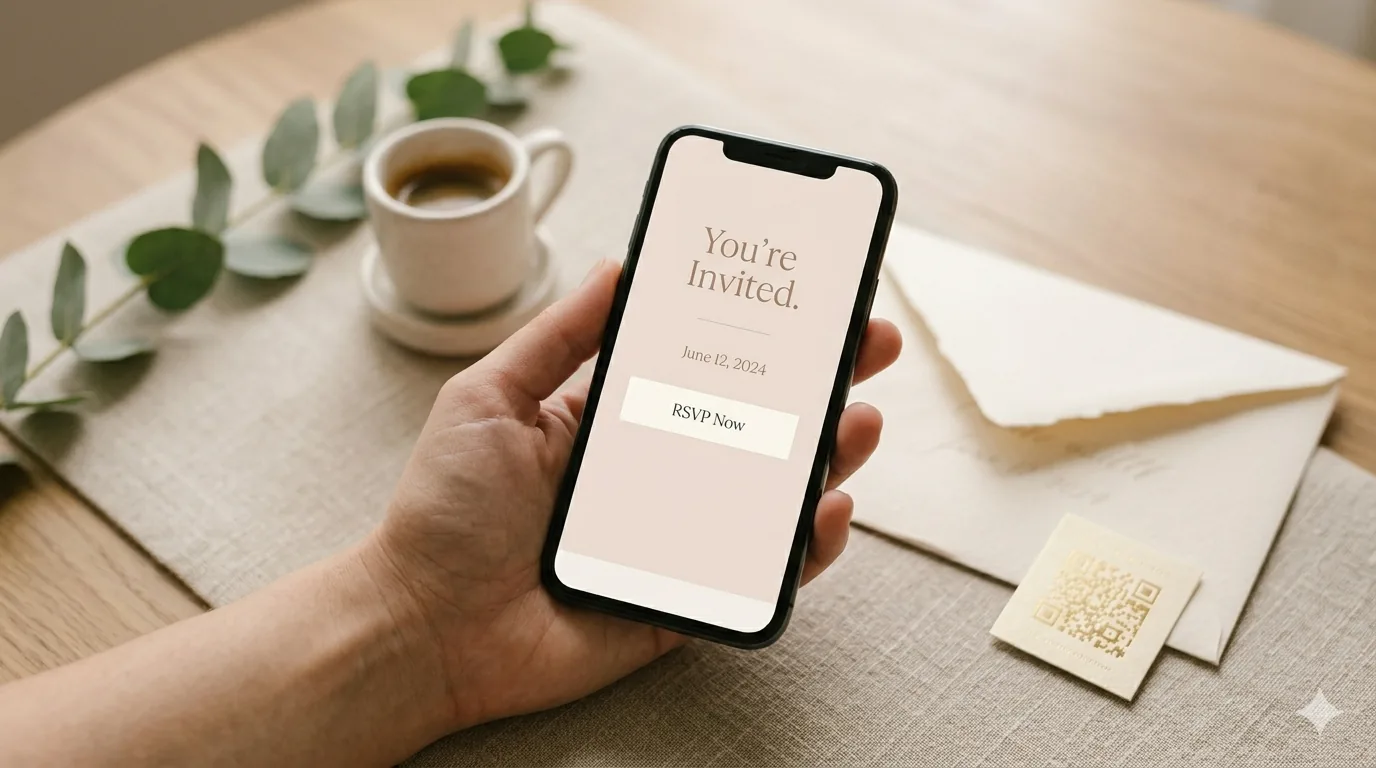
Want to see one first? The phone on the rightbelow is a live, working RSVP: tap the invite exactly like your guests would.
What a Custom RSVP Form Needs
Whatever the occasion, a good RSVP form answers the questions you will otherwise chase by phone the week before. Use this checklist before you share yours.
- Attendance wording that fits the event. "Joyfully accepts" suits a wedding; "I'm in!" suits a 40th; "Will attend" suits a company dinner. Decide whether you want a Maybe option at all.
- Headcount per household. One reply should be able to cover a whole party, with a limit per invitation and, if it matters for catering or pricing, adults and children counted separately.
- Per-guest meal and dietary choices. "2 chicken, 1 fish" is useful. "Rachel: fish, Ben: vegetarian, nut allergy" is what the caterer actually wants.
- Show-if logic. Guests who decline should not scroll past meal questions, and the "Which shuttle?" question should appear only for people who said they need one.
- Event parts. A bar mitzvah with a morning service and an evening party, or a conference day with an optional dinner, needs a separate yes and headcount for each part.
- A deadline and a capacity. The form should close by itself on your RSVP date and stop accepting yeses when the room is full.
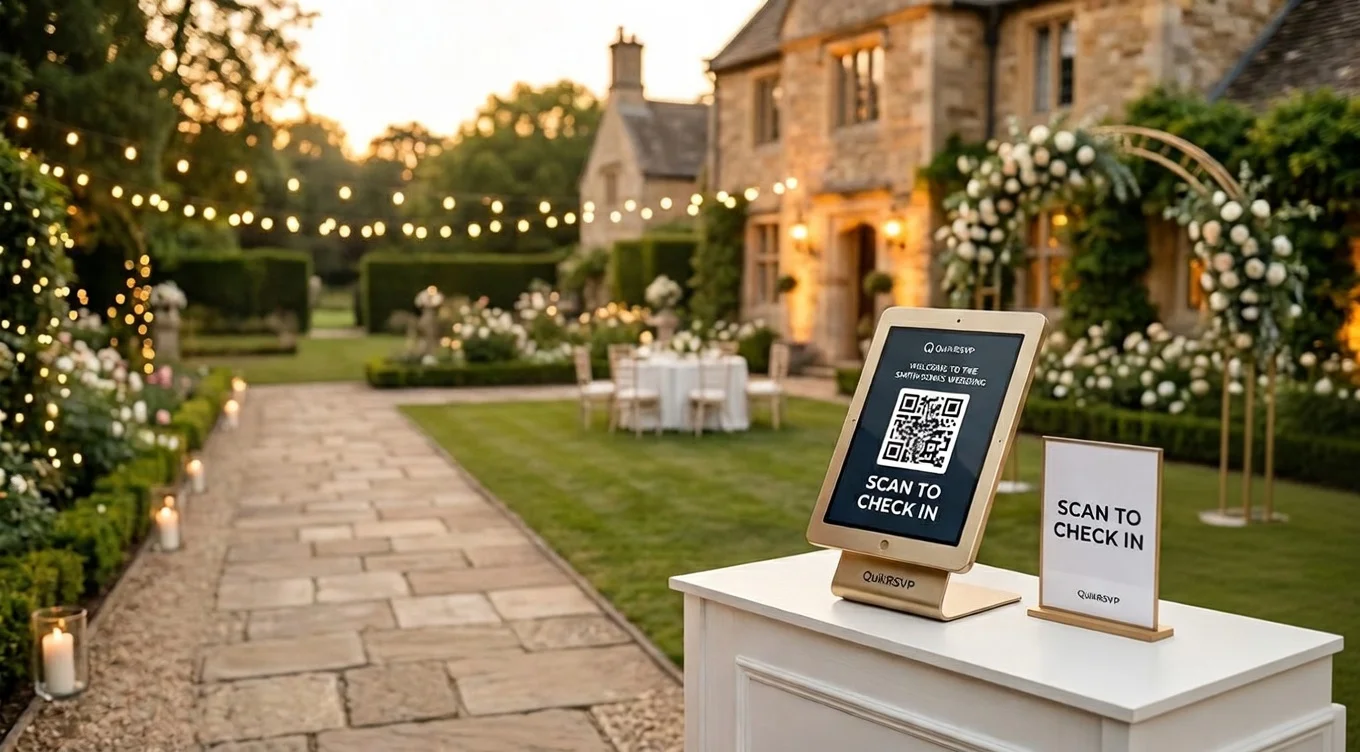
- Easy sharing. A short link for text and email, a QR code for printed cards and flyers, and a way to send it on WhatsApp, where many guests actually read their messages.
Everything else, such as song requests, T-shirt sizes, "Which session will you join?" or "Will you need parking?", is a custom question on top of this base.
How to Build a Custom RSVP Form in QuikRSVP, Step by Step
The QuikRSVP builder is the same for every kind of event. You can start at quikrsvp.com/builder without an account and sign in (Google or email, no card) when you want to save and share. The examples below use a 40th birthday, a company dinner and a bar mitzvah, but the steps are identical for a wedding, a baby shower or a community event.
Step 1: Event details and attendance wording
Enter the title, date, time and location. An optional opening line above the title holds a dedication or invocation if you want one. Under Response Options, rewrite the Yes / No / Maybe buttons in your own words, or remove Maybe. A Response Ideas button offers ready-made wording sets grouped by event style (family, casual, business and more) that fill the buttons and the question above them in one click, and everything stays editable.
Step 2: Headcount per household
Under Guest Count Options, set how many people one reply can include. The count includes the person filling it in, so 4 means "you plus up to three". You can split adults and children with separate limits (the age threshold is yours to set), and turn on individual guest names so every person in the party is listed by name. Set the maximum to 1 and the question disappears, which suits a company dinner where every employee answers for themselves.
Step 3: Add your questions, using every question type
In the Questions section, switch on any of the ready-made questions (dietary needs, meal choice, relationship to the host, phone, email, transport) and click "Write your own" for anything else. There is no limit on how many questions you add, on any plan. The answer types are:
- Short answer: a name, a T-shirt size, a license plate.
- Long answer: "Share a favorite memory of Maya" or "Anything we should know?"
- Dropdown and Single choice: one answer from a list, such as which session or which shuttle.
- Checkboxes: several answers, such as which activities a guest will join.
- Link: a guest's website, playlist link or portfolio.
- Message (no answer): display-only text, such as a parking note or dress code, placed at the top of the form or among the questions.
Each question can have help text, a hint inside the box and a Required tick, and you can drag questions into any order. Corporate forms add company, job title and department fields, plus a photo-upload question.
Step 4: Per-party or per-guest questions
A question is asked once per party by default: "Which hotel are you staying at?" needs one answer per household. When individual guest names are on and the party is two or more, a choice question such as Meal Choice becomes one dropdown per named guest, so the answer arrives as "Sarah: Fish, Daniel: Vegetarian". The pairing shows next to each guest in your dashboard. For a bar mitzvah lunch, that is the list you send the caterer.
Step 5: Per-guest quantities
If you do not collect names, turn on per-guest quantities for a Single choice, Dropdown or Checkboxes question. A party of three can then answer "2 chicken, 1 fish" instead of picking one dish for everyone. The quantities appear only when a reply covers two or more people; a guest coming alone just sees a simple choice.
Step 6: Show-if logic
Every question has two switches, "Show only when attending" and "Show only when not attending", so a declining guest never sees the menu and an attending one never sees "Sorry you can't make it, leave a message". You can also make a question depend on another answer: show "Which pickup point?" only when a guest picks "Yes, I need the shuttle", or show an allergy details box only when someone ticks "Other" under dietary needs. Rules can hang off your own dropdown, single-choice and checkbox questions, and off the ready-made dietary and relationship questions.
Step 7: Up to 5 event parts
One form can cover a whole program. Add up to five parts, for example "Morning service", "Kiddush lunch" and "Evening party" for a bar mitzvah, or "Workshop" and "Team dinner" for a company offsite. Each part gets a name, an optional when and where, and an optional limit. Guests see a tick and a "how many" dropdown for each part, all ticked by default, so a party of four can send two to the dinner and all four to the party. Your dashboard shows a total for each part, and a part can be shown only to guests carrying a given tag (say, "family"). Above that sit the form-wide settings: an RSVP deadline that closes the form on the date and time you choose, and a maximum event capacity.
Step 8: Design it: photo or gallery, color, 11 fonts, envelope
All design options are free on every plan:
- Header photo: upload your own and crop it, or pick from a built-in gallery of 27 images that includes a festive birthday, a kids' party, a corporate event, a holiday party, a graduation, a bar mitzvah, a bat mitzvah and a housewarming.
- Color: one of 10 curated swatches, a color pulled from your photo, or any custom color.
- Fonts: 11 title fonts, from clean sans-serifs such as Inter and Montserrat to Playfair Display, Cinzel and scripts such as Great Vibes and Pacifico.
- Envelope animation: guests open an envelope to reveal the invitation. Choose from 12 envelope papers or a custom color, a wax-seal monogram in your color with a gold or silver finish, two lines of envelope text, the envelope font, and each guest's name on the envelope.
The form can also carry map buttons (Google Maps and Waze), add-to-calendar, social links and a link to your registry or event website.
Step 9: A custom link, then share it
Choose your own address, such as quikrsvp.com/maya-turns-40. Custom links are free on every plan and go live once your email address is verified. Then share the link however your guests read messages: paste it into a text, an email or a group chat, print its QR code on a card or a poster, or send invitations in bulk by WhatsApp, SMS or email from the dashboard (1 credit per guest per send; every account starts with 25 free credits). You can also translate the whole form, buttons included, into any of 70+ languages with AI, with full right-to-left layout for Hebrew and Arabic. One language is free; unlimited languages come with Event Pro.
Design for the phone
In QuikRSVP's own data, 91.5% of replies are submitted on a phone. Keep required questions to the few you will really use, and check the live preview at phone width before you share.
QuikRSVP vs General Form Builders (Google Forms, Jotform, Typeform)
General form builders are built to collect any kind of answer: surveys, quizzes, orders and applications. An RSVP builder is built for the guest list: it knows that one reply can contain several people, each with their own meal. Here is where each approach wins.
| What you need | QuikRSVP | General form builders |
|---|---|---|
| Party size and guest names | Wins. Built in: limit per reply, adults and children split, a name for each guest | You assemble it from general fields |
| Meal choice per guest | Wins. One dropdown per named guest, or per-guest quantities | One answer per submission unless you build repeating fields |
| Headcount totals | Wins. Dashboard totals guests, not just replies, including each event part | Usually counts submissions; you total party sizes yourself |
| Event parts, deadline, capacity | Wins. Up to 5 parts with their own limits; deadline and capacity settings | You set these up yourself, where the tool supports them |
| Envelope opening and invitation design | Wins. Envelope animation, photo, color and 11 fonts, free | Themes and branding vary by tool and plan |
| Translation | AI translation into 70+ languages with right-to-left layout (1 language free) | Varies by tool |
| Logic | Show-if rules: show a question based on an answer, or only to guests who are or aren't attending | Wins. Google Forms can send people to a section based on an answer; Jotform can show or hide fields, skip pages and calculate; Typeform has branching, calculations and scoring |
| Templates | 27 header images and ready-made answer wordings; the design comes from your own photo, color and fonts | Wins. Jotform lists 20,000+ templates, over 1,000 of them for RSVPs; Google Forms has a template gallery |
| Spreadsheet export | CSV export on Event Pro; guest lists import from Excel | Google Forms wins. Responses can go to a linked Google Sheet |
| Cost | Free: 25 replies per form (about 50 guests). Event Pro $45 once per form, with no monthly fee | Google Forms: no cost for personal use. Jotform free: 5 active forms, 100 submissions a month; paid from $39/month, so $117 for RSVPs open three months. Typeform: free plan with a limited number of responses a month |
Choose an RSVP builder if guests reply as households, if you need names and meals per guest, if the event has several parts, if guests speak different languages, or if you want to send invitations and reminders by WhatsApp, SMS or email.
When a general form builder is enough: if you only need names and a yes or no (a staff training sign-up, a headcount for a meeting), if you need multi-page branching, scoring or calculations, if you want to start from a template, or if your responses must land in a Google Sheet. Google Forms costs nothing for personal use.
You can read the full head-to-head comparisons: QuikRSVP vs Google Forms, QuikRSVP vs Jotform, and, against another RSVP-specific tool, QuikRSVP vs RSVPify.
Free vs Paid
Everything in the build steps above is free. What you pay for is more replies and a handful of management features. Prices are one-time, per form, with no subscription.
| Plan | Replies per form | What it adds |
|---|---|---|
| Free | 25 (about 50 guests) | Unlimited custom questions, show-if logic, up to 5 event parts, all design options and the envelope, custom link, QR code, live dashboard, 1 translation language, 25 one-time messaging credits. 3 free forms per rolling year. |
| Event Pro ($45) | 150 | Unlimited translation languages, invite-only guest list, CSV export, waitlist, view-only links for a venue or co-planner, a Master QR for check-in, 150 credits. |
| Event Pro Signature ($95) | 1,000 | Everything in Event Pro, plus a drag-and-drop seating chart, a QR code per guest with a check-in scanner, a free wedding website and 300 credits. |
A reply is one household's submission, and everyone in the party is recorded inside it. A family of four uses one of the 25, and across QuikRSVP's events the average reply carries 1.95 guests, which is why 25 replies works out to about 50 guests. If more than 25 households answer a free form, their replies are still saved, never turned away; they are hidden until you upgrade. Need only a little more room? Extra replies cost $10 for 50 or $18 for 100. Ticketed events are never capped by replies. The pricing guide has the details.
Frequently Asked Questions
How do I create a custom RSVP form online?
Open an RSVP form builder such as QuikRSVP's at quikrsvp.com/builder, enter your event details, set how many people each invitation covers, add your own questions (meal choice, dietary needs, song requests, anything else), add show-if rules, then choose a header photo, color, font and optional envelope animation. Sign in with Google or email to save it, and share the link, its QR code or a WhatsApp message. Building needs no account and no card.
Is there a free custom RSVP form builder?
Yes. QuikRSVP's free plan includes unlimited custom questions, show-if logic, party sizes with each guest's name and meal, up to 5 event parts, every design option including the envelope animation, a custom link, a QR code, one AI translation language and 25 messaging credits. Each free form takes 25 replies. A reply is one household, so a family of four counts once, and 25 replies is about 50 guests. Replies after that are still saved and appear when you upgrade. Event Pro is a one-time $45 per form for 150 replies; Event Pro Signature is $95 for 1,000.
Is QuikRSVP better than Google Forms for RSVPs?
Yes, whenever guests reply as households. QuikRSVP asks how many people are coming, collects each guest's name and meal choice, totals the headcount, applies a deadline and capacity, translates the form into 70+ languages, and sends invitations and reminders by WhatsApp, SMS or email. Google Forms records each submission as one answer, so party sizes and meals are left for you to untangle in a spreadsheet.
Can an RSVP form ask each guest for their own meal choice?
Yes. In QuikRSVP, turn on individual guest names and a choice question such as Meal Choice becomes one dropdown per named guest, so the answer comes back as Sarah: Fish, Daniel: Vegetarian. Without names you can allow per-guest quantities instead, such as 2 chicken and 1 fish.
Is QuikRSVP only for weddings?
No. The RSVP builder is not locked to any event type. People use it for birthdays, bar and bat mitzvahs, showers, dinners, community events and parties. There are also dedicated corporate forms (company, job title, department) and ticketed events with Stripe payments. Weddings get some extras, such as a wedding website and seating chart, but the form builder itself is the same for every event.
Can I give my RSVP form a custom link?
Yes, on every plan including free. You choose the address, such as quikrsvp.com/maya-turns-40, and it goes live once your email address is verified. Every form also gets a QR code you can print or share.
What can't QuikRSVP's form builder do?
It is digital only, with no printed stationery. There is no catalogue of ready-made form templates. Logic is one level of show-if, not multi-page branching or scoring. There is no native Google Sheets sync, and CSV export comes with Event Pro.
Build your custom RSVP form
Start in the builder with no account and no card. Add your questions, pick your design, and sign in only when you are ready to share.
Start Building Free