Quick answer: QuikRSVP is the better choice for collecting RSVPs to a wedding, birthday or family event. Each household replies once with every guest's name and meal choice, one form is AI-translated into 70+ languages (including the questions you write) with real right-to-left layout, and invitations and reminders to guests who haven't replied go out by WhatsApp, SMS or email. It is free to start, with custom questions and plus-ones included, then a one-time $45 or $95 per event with nothing to renew. If you are a company running ticketed or CRM-synced events all year, RSVPify fits better.
QuikRSVP is built around getting a reply from every guest: in their own language, on the app they already use, and without a monthly bill. Below are the real differences, with RSVPify's facts taken from its own pages and linked at the end.
What We'll Compare
Reading is one thing, trying is another. The phone on the rightbelow is a live, working RSVP: tap the invite exactly like your guests would.
QuikRSVP vs RSVPify: Feature Comparison
RSVPify has separate personal plans (Free, Gold, Platinum) and business plans (Free, Starter, Plus, Professional, Enterprise). Where a feature depends on the plan, the plan is named.
| Feature | QuikRSVP | RSVPify |
|---|---|---|
| How you pay | Once per event: Free, Event Pro $45, Signature $95 | Monthly or yearly subscription: Gold $10/mo ($72/yr), Platinum $15/mo ($108/yr); business $39–$409/mo or custom |
| Free plan | 3 forms a year, 25 replies each (one reply = one household, about 50 guests), with custom questions, plus-ones and a QR code | 1 event at a time, up to 100 guests, 100 email credits a month; no custom questions, plus-ones or RSVP-by-QR |
| What the limit counts | Replies: a family of four is one reply | Guests, including unnamed plus-ones (business plans also cap registrations per month) |
| Custom questions | Unlimited on every plan, free included, with show-if logic | Unlimited from Gold / Starter; advanced conditional logic on Enterprise |
| Plus-ones | Party size with each guest's name and per-guest answers, every plan | Unnamed +1 from Gold / Starter; a custom +X per invitee on business Professional and up |
| Multi-event RSVPs | Up to 5 event parts on one form, each with its own limit, shown to everyone or only to tagged guests | Secondary events: 2 on Gold / Plus, 5 on Platinum / Professional, unlimited on Enterprise |
| Guest list import | CSV or Excel (.xlsx), every plan | CSV or Excel (.xlsx), with group IDs and +1 allowances |
| Invite-only list | Event Pro and up | Every plan, including Free |
| Export guest data | CSV export on Event Pro and up | Every plan, including Free |
| QR codes | Event QR code on every plan; a personal QR code per guest on Signature | RSVP-by-QR from Gold / Starter (custom colours, round or square); printable per-guest QR codes on Enterprise |
| Seating chart | Signature ($95): drag-and-drop, keep-together / keep-apart rules, auto-assign | Drag-and-drop from Gold / Starter, multiple charts per event |
| Check-in | Signature ($95): QR scanner and per-guest codes | iOS and Android check-in app on business plans from Plus ($125/mo); badge printing (beta); self-check-in kiosk on Enterprise |
| Reminder channels | WhatsApp, SMS and email on every plan: bulk, scheduled and automatic; 1 credit per guest per send | Email only (monthly email credits); SMS through Zapier-connected apps |
| Languages | AI translates the whole form, including your own text, into 70+ languages with right-to-left layout; 1 language free, unlimited on Event Pro | Built-in text in 28 languages; text you write is not translated; business Professional and up |
| Design and branding | Photo, colours, 11 title fonts, envelope-opening animation and a custom link, all free | Invitation template library, upload your own design or a Canva invite; remove RSVPify branding on Enterprise |
| Cash gifts | 2.5% + Stripe, the lower fee on gifts under about $160; guests see their own currency; paid out in the couple's own currency | 1.95% + $0.90 per gift, plus Stripe's 2.9% + $0.30, the lower fee on gifts over about $160; hosts collect in their local currency |
| Ticketing | Ticketed events with Stripe payments, never reply-capped | $0/month, 1.95% + $0.90 per ticket plus processing; ticketed events get Professional free |
| Integrations and security | CSV export | Zapier (Professional), Salesforce and HubSpot (Enterprise add-ons), SSO |
| Link lifetime | Form links never expire | Live while the event is active or the subscription is current; events with no new RSVP for a year can expire |
QuikRSVP Pricing vs RSVPify Pricing
This is the biggest structural difference. QuikRSVP charges once for each event. RSVPify bills by the month or the year.
QuikRSVP
- Free: 3 forms a year, 25 replies per form (about 50 guests), with unlimited custom questions, plus-ones, a QR code and reminders by WhatsApp, SMS or email.
- Event Pro, $45 one-time per form: 150 replies, unlimited translations, invite-only list, CSV export, 150 messaging credits.
- Event Pro Signature, $95 one-time per form: 1,000 replies, seating chart, per-guest QR codes and check-in scanner, a free wedding website, 300 messaging credits.
- More replies: +50 for $10 or +100 for $18. Ticketed events are never reply-capped.
RSVPify (checked October 13, 2026)
- Personal Free: $0, up to 100 guests, one event at a time.
- Personal Gold: $10 a month, or $72 a year. Up to 300 guests, 2 secondary events, seating chart, RSVP by QR code, password protection.
- Personal Platinum: $15 a month, or $108 a year. Up to 500 guests, 3 events at a time, 5 secondary events, custom reminder emails, an embeddable RSVP form.
- Business: Starter $39 a month ($288 billed yearly), Plus $125 a month ($1,068 yearly), Professional $409 a month ($3,588 yearly), Enterprise custom.
- Selling tickets: no subscription. 1.95% + $0.90 per ticket plus card processing, and the event gets the Professional plan free.
RSVPify says its personal prices "reflect base pricing for standard personal events and may vary by event type." Its yearly personal plans do not auto-renew. Monthly plans renew until you cancel, and its help center says upgrade fees and renewals are non-refundable.
What a real event costs on each
| Your event | QuikRSVP | RSVPify |
|---|---|---|
| Birthday party, 40 guests, a meal question and plus-ones | Free (25 replies covers about 50 guests) | Free covers 100 guests but not custom questions or plus-ones, so Gold: $10 for one month |
| Wedding, 180 guests (about 90 households), RSVPs open for 6 months | Event Pro: $45 once | Gold: $60 at monthly rates, or $72 for the year |
| Wedding, 250 guests, seating chart and QR check-in at the door | Signature: $95 once | Seating is on Gold, but check-in needs a business plan: Plus is $125 for a month, or $1,068 for a year |
| Company running 12 small events a year | 12 × $45 = $540 | Starter: $288 a year (2 events at a time, 150 registrations a month, no check-in) |
A subscription runs for every month your RSVPs are open. For one wedding, birthday or bar mitzvah, paying once costs less, and nothing renews after the event.
The Free Plans Compared
RSVPify's free plan has no custom questions, no plus-ones and no RSVP by QR code. Its own pricing table starts all three on Gold, at $10 a month, so a free RSVPify event collects attendance without any questions of your own.
QuikRSVP's free plan has all three. It includes unlimited custom questions (meal choice, dietary needs, song requests, anything) with show-if logic, party sizes with each guest's name and meal, up to 5 event parts, the envelope animation, a custom link, a QR code, one AI-translated language, 25 messaging credits for WhatsApp, SMS or email reminders, and form links that never expire.
The two plans also count differently. RSVPify's free plan allows up to 100 guests per event. QuikRSVP counts replies: a family of four replying together uses one of the 25. Across 19,711 replies on QuikRSVP the average party was 1.95 guests, so 25 replies is roughly 50 guests. Replies that arrive after the cap are still saved, never turned away, and appear once the form is upgraded.
Where QuikRSVP Is Ahead
Translation of your own words, with real right-to-left layout
QuikRSVP's AI translation covers the whole form, including your questions, answer options and event parts, in any of 70+ languages. The form opens in each guest's language and they can switch with one tap. Hebrew, Arabic, Farsi, Urdu, Pashto and Yiddish get full right-to-left mirroring, not just reversed text. One language is free, and Event Pro unlocks unlimited languages. This is the main reason multilingual families choose QuikRSVP. Read more in our bilingual wording guide.
RSVPify translates its default text, meaning buttons and placeholders, into 28 languages. Its own help center says that text you write in the form builder "stays as you wrote it." For a fully separate experience per language, it suggests creating a second event and reconciling the RSVPs afterwards. On business plans, extra languages start at Professional ($299 a month billed yearly).
WhatsApp as a first-class channel
QuikRSVP sends invitations and reminders by WhatsApp, SMS or email on every plan, free included. That covers bulk sends, scheduled sends and automatic reminders to people who haven't replied, at 1 credit per guest per send. You get 25 free credits, 150 with Event Pro and 300 with Signature, and packs start at $8 for 50. Hosts who prefer to use their own WhatsApp can generate a tracked personal link for each guest at no cost. In QuikRSVP's own data, 91.5% of replies are submitted on a phone. See our WhatsApp RSVP guide.
RSVPify's built-in invitations and reminders are email, limited by monthly credits (100, 500 or 1,000 on the personal plans). For text messages, its help center points to SMS apps connected through Zapier.
The envelope-opening animation
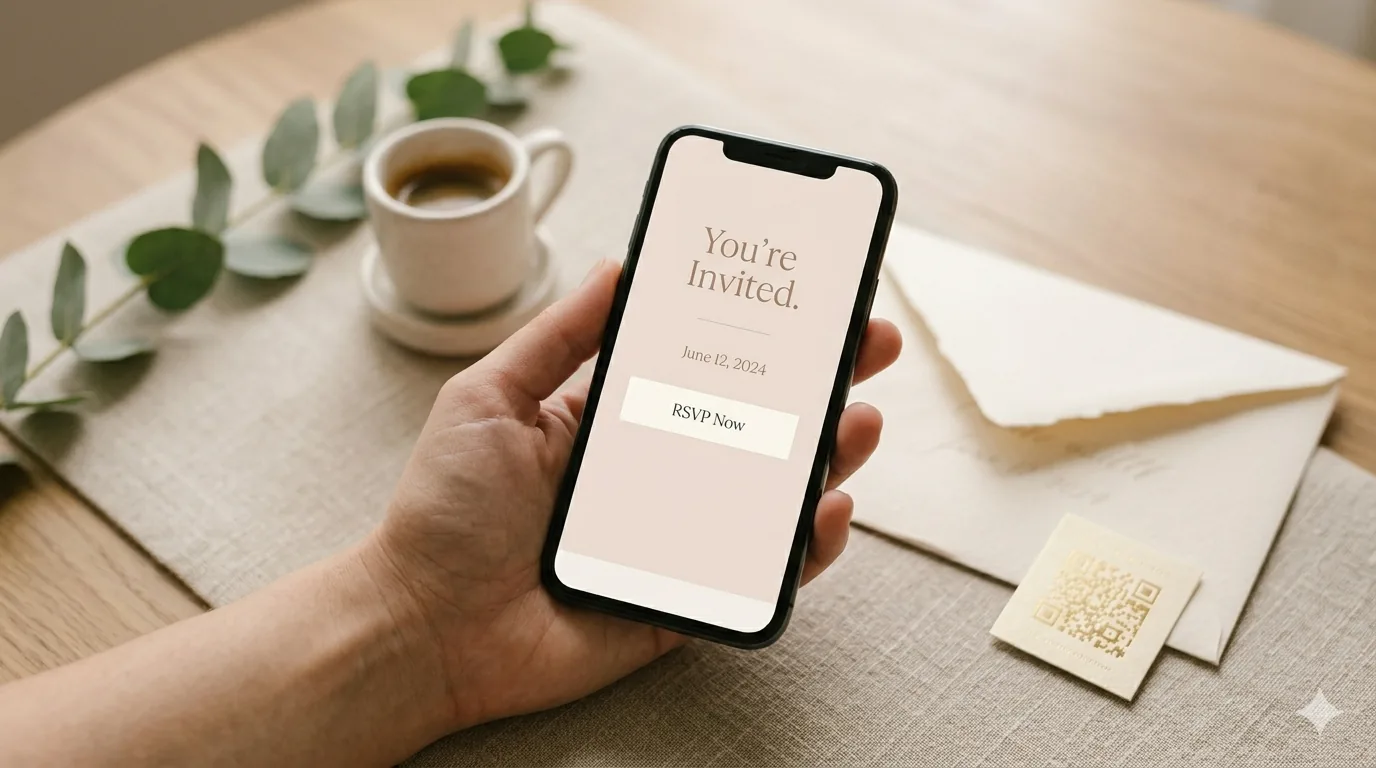
On every QuikRSVP plan, guests can open a digital envelope before they see the form. You choose from 12 envelope papers or a custom colour, a wax-seal monogram in gold or silver, the guest's name on the envelope and a card image per language. We found no equivalent in RSVPify's feature pages or help center.
Cash gifts at a low fee, in the couple's own currency
QuikRSVP's cash registry charges 2.5% plus Stripe's processing. Guests see amounts in their own currency, and the couple is paid out to their own Stripe account in its currency (ILS, EUR and so on). Gifts range from $10 to $10,000, and each one is paid out about 7 days after it arrives. RSVPify doesn't charge to turn gifts on, but each gift carries a 1.95% + $0.90 service fee plus Stripe's 2.9% + $0.30. On a $100 gift, QuikRSVP's fee is $2.50 and RSVPify's is $2.85.
One payment, links that don't expire
With QuikRSVP there is no renewal to remember once the wedding is over. Form links never expire, and you can build a form in the builder without an account and sign in only to save and share it. Guests never need an app or an account.
What QuikRSVP doesn't have: a template catalogue for the form, multi-page branching (logic is one level of show-if), or Google Sheets and CRM sync.
Plus-Ones, Multi-Event RSVPs, Seating and Check-In
Plus-ones and households
On every QuikRSVP plan, free included, a guest says how many are coming and can give each person's name. Questions can be asked once per party or once per guest, with per-guest quantities such as "2 chicken, 1 fish." An imported guest list can carry each household's maximum party size. RSVPify uses group IDs to link a household in its invite list and offers an unnamed +1 from Gold or Starter. A custom number of extra guests per invitee (+X) is limited to business Professional and up.
Multi-event RSVPs
Both platforms handle a weekend of events. QuikRSVP puts up to 5 event parts, such as ceremony, dinner and brunch, on one form on every plan, free included. Each part has its own optional limit, and tags can show a part only to the guests invited to it. RSVPify calls them secondary events: 2 on Gold, 5 on Platinum, unlimited on Enterprise, with guest tags controlling who is invited to what.
Importing your guest list
Both import CSV and Excel (.xlsx) files. QuikRSVP's import works on every plan. You can bring in replies already collected elsewhere or a guest list that hasn't replied yet. Columns are matched automatically, you see a preview before anything is written, and you can undo an import later. Importing never messages your guests.
Seating
QuikRSVP's seating chart comes with Signature ($95 once, with check-in included). It is drag-and-drop, with keep-together and keep-apart rules, auto-assignment by relationship, tags, random, sequential or round-robin, capacity warnings, meal choices shown on the chart, and CSV and print export. RSVPify's drag-and-drop seating chart starts on Gold ($10 a month) and allows several charts per event.
Check-in
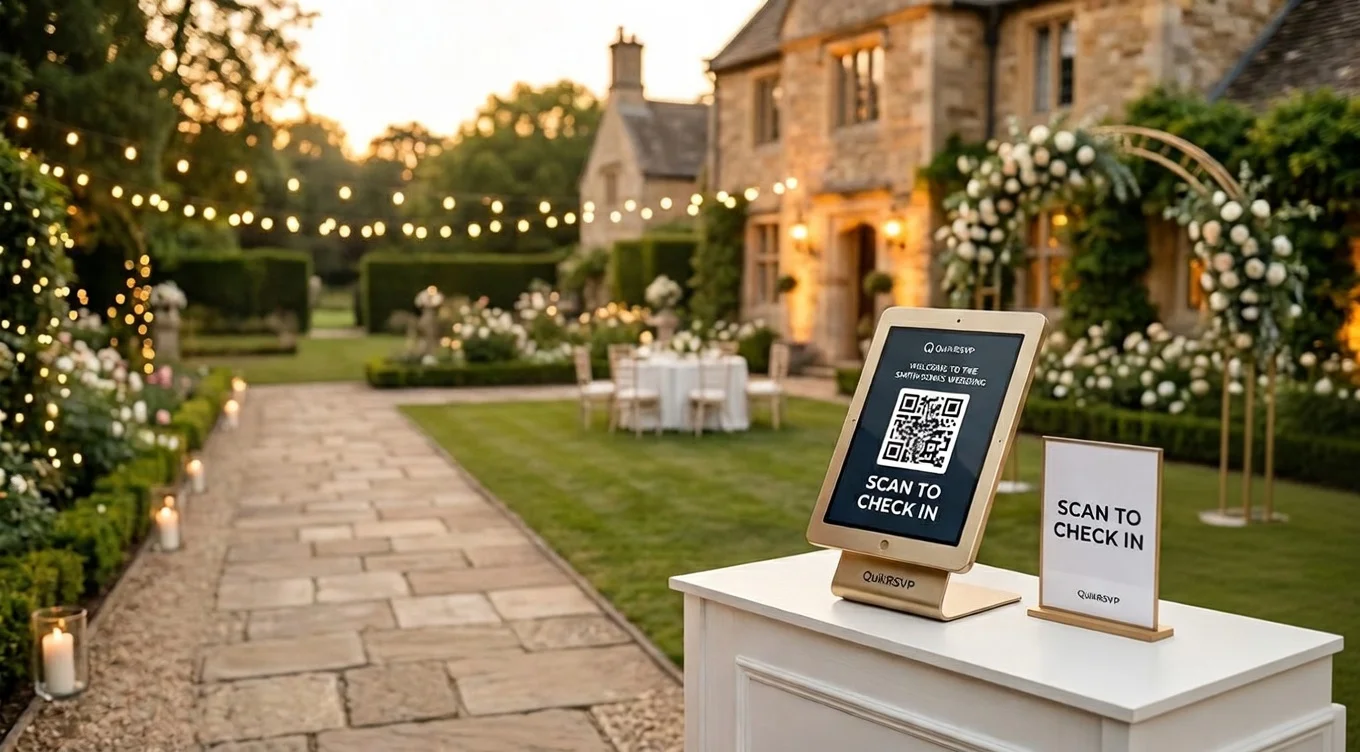
QuikRSVP Signature includes a personal QR code for each guest and a check-in scanner for a one-time $95. RSVPify's check-in app is available only on business plans, starting with Plus at $125 a month. More in our QR check-in guide.
When RSVPify Is the Better Pick (and When QuikRSVP Is)
Choose RSVPify if...
You run events all year as a company, nonprofit or school. A subscription spreads its cost across all of them, so RSVPify is cheaper for many events a year: its Starter plan is $288 a year, against $540 for 12 QuikRSVP Event Pro forms. You sell tickets (no monthly fee, 1.95% + $0.90 per ticket), or you need Salesforce or HubSpot sync, SSO, badge printing, a self-check-in kiosk, time-slot booking or a form embedded on your own website. It also fits if you want a free yes/no headcount for up to 100 guests, a seating chart from $10 a month without check-in, or you expect most cash gifts to be over about $160, where RSVPify's per-gift fee is lower.
Choose QuikRSVP if...
You are planning one event (a wedding, birthday, shower, bar or bat mitzvah, a party or a corporate dinner) and want to pay once. You want each household to reply with every guest's name and meal, invitations and reminders to non-responders on WhatsApp, SMS or email, and one form your guests can read in their own language. You also want custom questions and plus-ones on the free plan, an envelope opening, a free custom link, or a cash registry that pays out in your own currency.
Not sure?
Build the QuikRSVP form first. It takes a couple of minutes, needs no account, and the free plan already includes custom questions, plus-ones, the envelope and a QR code.
Comparing more tools? See QuikRSVP vs Zola, QuikRSVP vs The Knot and our guide to making a free RSVP link.
Frequently Asked Questions
How much does RSVPify cost in 2026?
RSVPify sells subscriptions. Its personal plans are Free (up to 100 guests), Gold at $10 a month or $72 a year (up to 300 guests) and Platinum at $15 a month or $108 a year (up to 500 guests); RSVPify notes that personal prices may vary by event type. Its business plans are Starter at $39 a month ($288 billed yearly), Plus at $125 a month ($1,068 yearly), Professional at $409 a month ($3,588 yearly) and a custom-priced Enterprise plan. Ticketed events pay no subscription and are charged 1.95% + $0.90 per ticket plus card processing. Prices checked on RSVPify's pricing pages on October 13, 2026.
Is QuikRSVP cheaper than RSVPify?
For a single event, yes. QuikRSVP is free for 25 replies (about 50 guests) with custom questions and plus-ones included, then a one-time $45 for Event Pro (150 replies) or $95 for Signature (1,000 replies, seating chart and QR check-in), with nothing to renew or cancel. On RSVPify, custom questions and plus-ones start on Gold at $10 a month, so a wedding with RSVPs open for six months costs $60 at monthly rates, and its check-in app needs a business plan (Plus is $125 a month).
What are the limits of RSVPify's free plan?
RSVPify's free personal plan has no custom questions, no plus-ones and no RSVP by QR code; according to its pricing page all three start on Gold at $10 a month, as do seating charts. It allows one event at a time, up to 100 guests per event (unnamed plus-ones count toward that) and 100 email credits a month, and it includes email invitations, automated reminders, an invite-only guest list and data export. QuikRSVP's free plan has all three: unlimited custom questions with show-if logic, plus-ones with each guest's name and meal, and a QR code, along with up to 5 event parts, the envelope animation, a custom link and 25 messaging credits. It covers 25 replies per form (a reply is one household, so roughly 50 guests).
Is RSVPify a subscription or a one-time payment?
RSVPify is a subscription, billed monthly or yearly. You can cancel any time and keep premium features until the end of the period, but RSVPify's help center says upgrade fees and renewals are non-refundable. Its yearly personal plans do not auto-renew. QuikRSVP is a one-time payment per event ($45 or $95), and QuikRSVP form links never expire.
Can RSVPify translate my RSVP form into other languages?
Partly. RSVPify translates its built-in default text, such as buttons and placeholders, into 28 languages. Its help center says that any text you write yourself stays as you wrote it, and suggests creating a second event if you need a fully separate experience per language. On business plans, additional languages start at Professional. QuikRSVP's AI translation translates the whole form, including your own questions and event parts, into any of 70+ languages, with full right-to-left layout for Hebrew, Arabic, Farsi, Urdu, Pashto and Yiddish. One language is free; unlimited languages come with Event Pro.
Does RSVPify send SMS or WhatsApp reminders?
Not natively. RSVPify's help center says it does not offer built-in SMS or text invites and points to Zapier-connected SMS apps instead. Its built-in invitations and reminders are email, limited by monthly email credits. QuikRSVP sends invitations and reminders by WhatsApp, SMS or email on every plan, including scheduled and automatic reminders to people who haven't replied, at 1 credit per guest per send.
What is the best RSVPify alternative for a wedding or family event?
QuikRSVP, if you are planning a wedding, birthday or family event. You pay once per event ($45 or $95, and it is free to start), each household replies with every guest's name and meal choice, the whole form is AI-translated into 70+ languages with real right-to-left layout, and invitations and reminders to guests who haven't replied go out by WhatsApp, SMS or email. Its free plan also includes the custom questions, plus-ones and QR code that RSVPify's free plan leaves out.
Try QuikRSVP before you pay for anything
Build your RSVP form in the builder with no account and no card. Add your questions, turn on a second language and preview the envelope. Sign in only when you're ready to share it.
Start Building Free