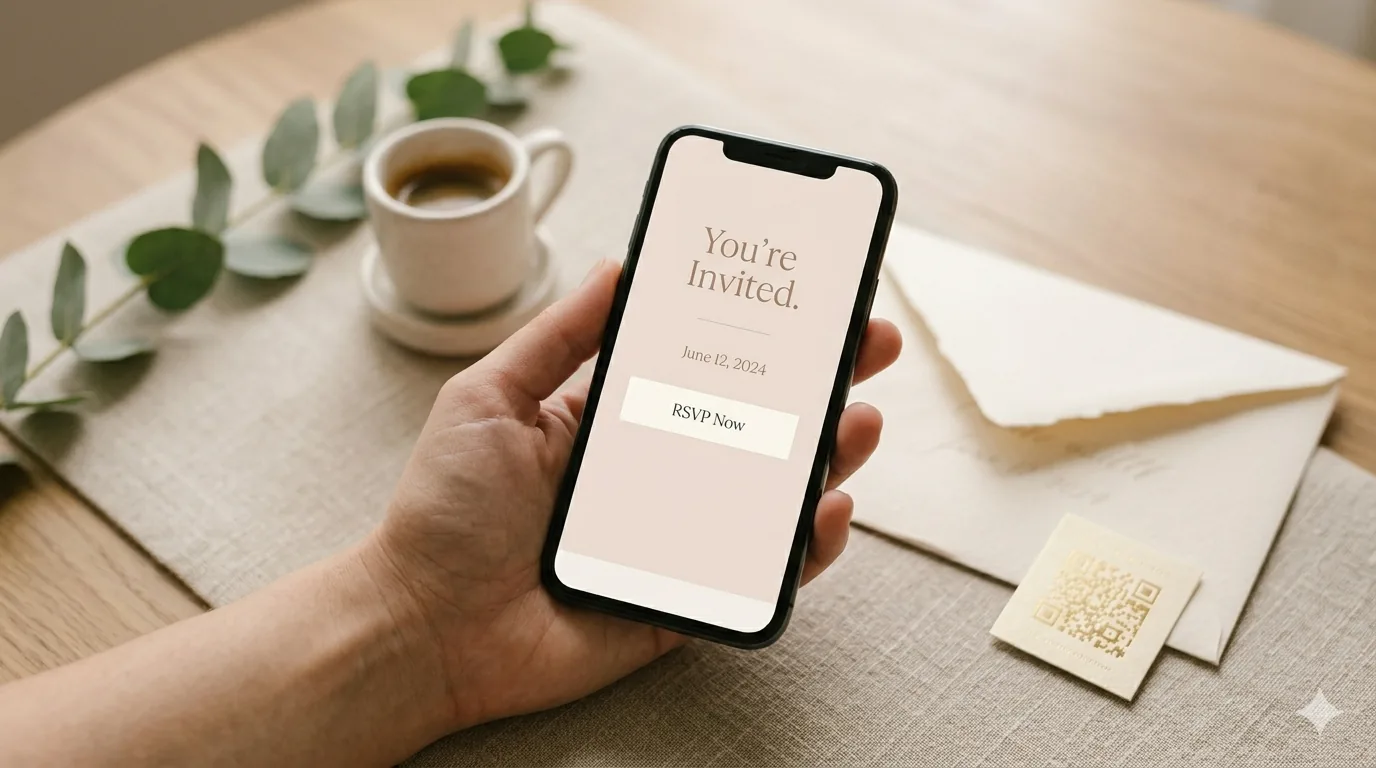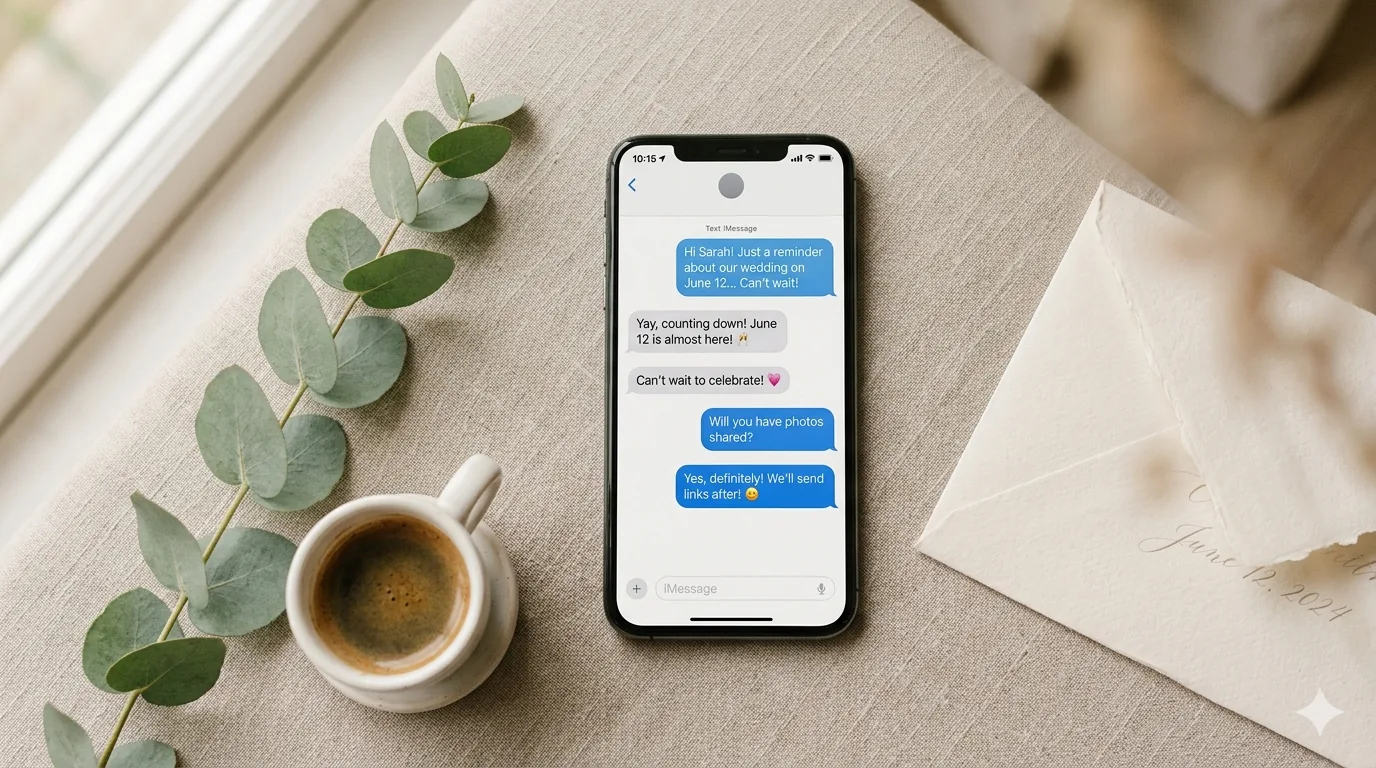
Quick answer: WhatsApp has no built-in RSVP feature, so you build the form somewhere else and share its link in the chat. Create your form in the QuikRSVP builder, publish it to get one short URL, then paste that URL into WhatsApp. Guests tap, answer in about two taps, and every reply lands in one dashboard instead of scattered through your messages. Creating the form and sharing the link that way is free, anywhere in the world, including the US. Sending from the dashboard instead costs credits — 1 per guest, 25 free on every account — and it changes what the guest receives: the invitation arrives with real WhatsApp buttons, including a "Can't make it" button that records a decline in a single tap without the guest ever leaving the chat.
Most RSVP advice still assumes a paper card or an email. For a large part of the world that is simply the wrong channel — the invitation goes out on WhatsApp because that is the thread the family is already in. Getting the invitation seen was never the problem. The problem is that the replies come back as forty separate messages, half of them "us too!!", and somebody has to turn that into a seating plan.
Reading is one thing — trying is another. The phone on the rightbelow is a live, working RSVP: tap the invite exactly like your guests would.
Does WhatsApp Have an RSVP Feature?
No — and it is worth being precise about why, because WhatsApp does have two things people reach for first.
Polls work in a group chat and collect nothing but a tap. There is nowhere to put a plus-one, a meal choice, a dietary note or a phone number, and every guest can see how everyone else voted. For eight people at a bar that is fine. For anything with a caterer it is not.
Events in Communities are closer, but they are still an announcement with an attendance toggle. You cannot ask a question, you cannot export the list, and you cannot see who has not replied in a way you can act on.
What works is boring and reliable: a proper RSVP form living at its own link, opened from inside the chat. The guest never really feels like they left WhatsApp — they tap, a form opens, they answer, done. You get structured data instead of a scroll.
Two Ways to Send It, and the Real Difference Between Them
This is the part most guides skip, and it decides everything else on this page.
Sharing the link yourself is free. Copy the link from the Share tab, paste it into a chat or a group, done. It arrives as an ordinary message with a link in it: no buttons, no one-tap decline, and no way to tell who opened it. For a 30-person birthday where you know everyone, that is genuinely all you need.
Sending through Messaging costs credits, not a plan — and every account starts with 25 free and produces a different object entirely. Each guest gets a message addressed to them by name, carrying their own personalised, tracked link and up to two real WhatsApp buttons — RSVP, and optionally a gift registry, a wedding website, Waze or Google Maps. You can see who was delivered, who opened, and who replied.
You cannot mix the two: there is no way to attach buttons to a link you send from your own phone, on any tier. If you have seen the button-style invitation in our homepage demo and wondered how to get it, that is the answer — it comes from a Messaging campaign, not from the Share tab.
The "Can't Make It" Button: Declining Without Leaving the Chat
Every campaign invitation that carries an RSVP button also carries a second one labelled "Can't make it" (translated into the guest's language — לא אוכל להגיע, No podré asistir, and so on). One tap records the decline. No form, no page load, no leaving WhatsApp.
Yes deliberately works differently: it opens the form. A yes is the answer that needs detail attached — how many of you, which meal, any allergies — and there is no honest way to collect that from a button. So the asymmetry is on purpose: the cheap answer is made cheap, and the answer worth typing gets a form.
It matters more than it sounds. A guest who cannot come has no incentive to fill in a form; they are, from their own point of view, opting out of your event. Giving them a one-tap way out is the difference between a clean "no" in your dashboard and a name you are still guessing about the week before.
The same one-tap decline reaches email as an outlined button and SMS as a short link. On SMS it is the first thing dropped if the message is running over its character budget, since the RSVP link has to survive.
How to Set Up a WhatsApp RSVP, Step by Step
1. Build the form
Open the RSVP form builder — you can start without an account — and enter the event details. Then add only the questions you will actually use. Attending yes/no is the minimum; most hosts add number of guests, and anyone feeding people adds meal selection and a dietary restrictions field. Every extra question costs you replies, so be ruthless. You can also drop the "Maybe" option entirely if you only want yes or no.
2. Publish to get the link
Publishing generates a clean share link from your event title — something like quikrsvp.com/davids-40th-birthday — plus a QR code. That URL is the whole mechanism. It works in a one-to-one chat, in a group, and in a status update. (Choosing your own wording for the link instead of the generated one is an Event Pro feature.)
3. Send it
Either paste the link into chats yourself, or build a contact list and send a campaign. If you go the campaign route, you write one message, pick your buttons, and choose the channel — WhatsApp for the guests who have it, email for the ones you only have an address for.
4. Set the follow-up reminders while you are there
Reminders are the step people skip and then regret, so they are built into the same flow rather than hidden somewhere else. More on them below.
Reminders: Where Most of Your Replies Actually Come From
In our own measurement of 1,196 invited-guest replies across 16 events, 56.8% of replies arrived only after a follow-up went out. More than half. Silence is usually a message that never landed or a guest who meant to answer later, not somebody agonising over the decision.
You set reminders up when you create the message, and they run on their own:
- Timing — 2 weeks before, 1 week before, 3 days before, 1 day before, the day of the event, or any custom date you pick.
- Who gets it — non-responders only, attending guests only, or everyone.
- What it says — the default reminder text, or your own wording.
The pattern most hosts land on: a one-week nudge to non-responders, a custom-date reminder a few days before that when the caterer wants final numbers early, and a day-of message to the people who said yes.
One thing worth understanding before you plan around it: reminder audiences are worked out from that message's own contact list — who you sent to, and whether they replied — not from the form's responses in general. If you shared your link by hand and never sent anything through Messaging, there is nobody for a reminder to target yet. You would need to build the contact list first, and there is a shortcut for that if you already have RSVPs coming in.
Reminders are charged only when they actually send, not when you schedule them. If you want wording to borrow, we keep a set of RSVP reminder templates.
When a Guest Just Types "We'll Be There"
This happens constantly, and it is the single most common way an RSVP goes missing. A guest gets the invitation, does not tap anything, and simply replies in the chat: "we'll be there!" or "sorry, can't make it". From their side that is a perfectly reasonable answer. From yours it is invisible — a typed reply is not recorded as an RSVP, and it never reaches your dashboard.
So the guest gets an automatic reply, in the language they were invited in, that tells them so and hands them their own link back:
Thanks for replying! 💛 Just so you know, the host won't see your message here. To make sure your RSVP is counted, please respond using your personal link:
It is sent once per guest per event, so nobody gets nagged, and it carries the link that guest was actually sent — the RSVP form, or your event page if that is what the invitation pointed at. If the invitation was a save-the-date with no RSVP link at all, they get the acknowledgement without a link rather than a link we invented for them.
Worth knowing what else lands in that inbox: when we looked at inbound replies, a little under a third were not from guests at all but from their WhatsApp Business autoresponders answering ours. That is the other reason typed replies cannot be trusted as answers — a fair share of them are robots.
Why WhatsApp Beats Email for This
A WhatsApp message arrives in the same list as messages from a guest's mother and their closest friends. An email arrives next to receipts and newsletters. That difference shows up in the numbers: in QuikRSVP's own measurement of 7,017 invitation messages, 60.6% of WhatsApp invitations were read against 40.7% of emails opened — and the email figure is generously counted, since it depends on images loading.
The second advantage is the reply loop. A guest who gets an email invitation has to remember to come back to it. A guest who gets a WhatsApp invitation is already holding the phone they will answer on. For a fuller comparison across cost, etiquette and reach, see digital vs paper vs WhatsApp invitations.
What Changes for US Guests
Worth knowing before you plan around it: Meta has paused WhatsApp marketing messages to US phone numbers. That is a Meta policy, not a platform limitation, and it applies to everyone. In a campaign, US numbers automatically fall back to SMS — the same link, the same form, arriving as a text instead. Non-US contacts still get WhatsApp normally.
One knock-on effect: SMS is plain-Latin only. If your message is written in Hebrew, Arabic or another non-Latin script, those guests need email or WhatsApp rather than SMS.
None of this affects pasting a link into a chat yourself. A link is a link, and WhatsApp carries it anywhere.
Sending the Invitation in Two Languages
Write the message once in your own language and press Translate; it fills in every language your form already has switched on, and you edit any of them by hand — your wording always wins over the machine's.
You can send two languages in one message: your original plus one translation, together. (On WhatsApp the two share a 1,024-character budget, so keep both halves tight.) Alternatively, send your original only, or send only the translation to a group of guests who do not read your language. Either way every reply lands in the same dashboard. Our bilingual wording guide covers how to phrase both halves.
What to Write in the Message
Three things, in this order: who is inviting, what and when, and one clear link with a deadline. WhatsApp is a personal channel, so it should read like a message from a person — not like a printed card typed into a chat box.
Hi Maya! 💛 We're getting married on 14 March in Jaffa and we'd love you there.
Everything's here, and you can reply in a few taps: quikrsvp.com/sarah-and-david
Could you let us know by 1 February? The caterer starts asking after that 😄
Name, occasion, link, deadline, and a reason for the deadline. That last part matters more than it looks — "by 1 February" gets ignored, "by 1 February because the caterer needs numbers" does not. In a campaign you would write {{first_name}} where "Maya" is, and each guest sees their own name. There are more patterns in the RSVP wording guide, including its WhatsApp and text-message section.
What It Costs
The form is free: up to 3 forms a year, up to 25 visible responses on each. Guests can always submit — nothing is ever closed to them — but past 25 you would need to upgrade to read the rest.
Sending from the dashboard — with the buttons, the one-tap decline and automatic reminders — works on every plan, free included. What it costs is credits: 1 per guest, and every account starts with 25. Event Pro is $45 once per form (150 responses, 50 bundled messaging credits, scheduling and reminders). Event Pro Signature is $95 and adds up to 1,000 responses, 150 credits, seating, individual guest QR codes and a free wedding website — which is the one most weddings actually want. Both are one-time purchases for that form, not subscriptions.
Frequently Asked Questions
How do I create an RSVP in WhatsApp?
WhatsApp has no built-in RSVP feature, so you create the RSVP form elsewhere and share its link in the chat. Build the form in QuikRSVP, publish it to get one short URL, then paste that URL into WhatsApp. Guests tap it, answer, and the reply lands in your dashboard rather than in your messages.
Does WhatsApp have a built-in RSVP or event feature?
No. WhatsApp has polls and, in Communities, events — but neither collects guest details, meal choices, plus-ones or dietary needs, and neither gives you a guest list you can filter or export. A poll in a group chat also shows every guest how everyone else voted, which is rarely what a host wants.
Is a WhatsApp RSVP link free?
The form and the link are free: up to 3 forms a year with up to 25 visible responses on each, and you can paste that link into as many chats as you like at no cost. Having QuikRSVP send the invitation for you — which is what produces the WhatsApp buttons, the one-tap decline, per-guest tracking and automatic reminders — is available on every plan and costs credits: 1 per guest, with 25 free on every account. The paid tiers are about the form itself: $45 once for Event Pro (150 responses, 50 bundled credits), $95 for Event Pro Signature.
Can guests decline without leaving WhatsApp?
Yes, if the invitation was sent as a campaign. Alongside the RSVP button it carries a second button labelled “Can't make it”, translated into the guest's own language. One tap records the decline — no form, no page load. Saying yes deliberately opens the form instead, because a yes needs detail attached: how many of you, which meal, any allergies.
Do guests need an account to RSVP from WhatsApp?
No. Guests tap the link, answer, and they are done — no sign-up, no app download, no password. That matters more on WhatsApp than anywhere else, because the whole appeal is replying without leaving the conversation.
What if a guest replies in the chat instead of tapping the link?
Their typed reply is not recorded as an RSVP — the host never sees it in the dashboard, which is the most common reason a guest insists they answered and the host cannot find it. QuikRSVP sends that guest an automatic one-time reply, in the language they were invited in, explaining that the host will not see the message and giving them their own link back.
Can I send a WhatsApp RSVP to my whole guest list at once?
Yes, through Messaging. Each guest gets a message addressed to them by name with their own tracked link and up to two buttons, so you can see who was delivered, who opened and who replied. Sending this way costs credits rather than a plan — 1 per guest, and every account starts with 25 free. Pasting the link into chats by hand costs nothing at all, but it arrives as a plain message with no buttons and no tracking.
How do RSVP reminders work on WhatsApp?
You set them up when you create the message and they send on their own: 2 weeks before, 1 week before, 3 days before, 1 day before, the day of the event, or a custom date. You choose who gets each one — non-responders only, attending guests only, or everyone — and you can write your own text or use the default. Reminders are charged only when they actually send. One catch worth knowing: reminder audiences are worked out from that message's own contact list, not from your form's responses in general, so you need to have sent through Messaging for there to be anyone to remind.
Do reminders actually get more replies?
In our own measurement of 1,196 invited-guest replies across 16 events, 56.8% of replies arrived only after a follow-up had gone out. That is ordering rather than proof of cause, but those replies did not exist before the reminder.
Does a WhatsApp RSVP work for US guests?
The link itself works anywhere WhatsApp does. Campaigns are different: Meta has paused WhatsApp marketing messages to US phone numbers, so US numbers automatically fall back to SMS. Guests get the same link and the same form, just over text. Non-US contacts still receive WhatsApp normally.
Can I send the WhatsApp invitation in more than one language?
Yes. Write it once and press Translate, then send your original plus one translation together in the same message — on WhatsApp the two share a 1,024-character budget. You can also send only the translation to guests who do not read your language. Every reply still lands in one dashboard.
What should a WhatsApp RSVP message say?
Keep it to three things: who is inviting, what and when, and one clear link with a deadline. Give the deadline a reason — “by 1 February because the caterer needs numbers” gets acted on where a bare date does not. WhatsApp is a personal channel, so write it the way you would text a friend rather than the way you would word a printed card.
Your WhatsApp RSVP Link Is Two Minutes Away
Build the form, get the link, paste it into the chat. No card, no app for your guests, no counting replies by hand.