Quick answer: For collecting RSVPs, QuikRSVP is the better choice because it's built for them: one reply holds a whole household with each guest's name and meal, one form displays in 70+ languages with a true right-to-left layout, and you can send invitations and automatic reminders to people who haven't replied by WhatsApp, SMS or email. It's free to start, and bigger events pay once per event, not a monthly subscription. If you're collecting individual sign-ups into a live Google Sheet, Google Forms fits better.
Google Forms is often the first tool people try for an RSVP. This guide compares the two on what an RSVP needs: who is coming from each household, what each guest will eat, which language they read, and who still hasn't answered. Every Google Forms fact here was checked against Google's own help pages in October 2026.
What We'll Compare
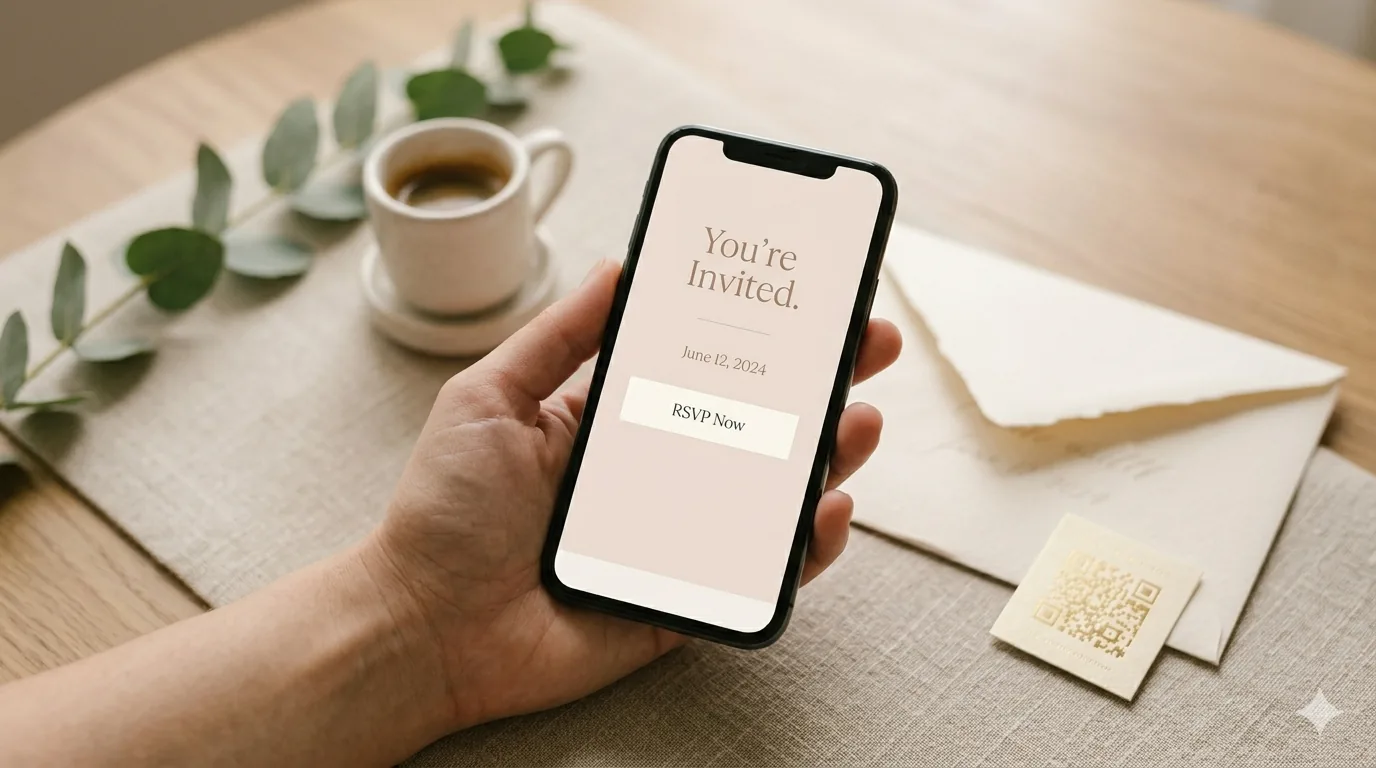
Reading is one thing, trying is another. The phone on the rightbelow is a live, working RSVP: tap the invite exactly like your guests would.
QuikRSVP vs Google Forms: Side by Side
| Feature | Google Forms | QuikRSVP |
|---|---|---|
| Price | Free with a Google account | Free to start: 3 forms a year. Event Pro $45 per form, paid once; Signature $95 per form, paid once |
| Response limit | Up to 500,000 responses per form | 25 household replies free (about 50 guests), 150 on Event Pro, 1,000 on Signature. Replies past the cap are still saved and appear when you upgrade |
| What one reply is | One row per submission | One household, with each guest named inside it |
| Meal per guest | Workarounds only (a grid question or numbered questions) | Built in: ask once per party or for each guest, with counts like "2 chicken, 1 fish" |
| Logic | Section branching on multiple choice and dropdown questions, up to 75 sections, or jump straight to submit | Show-if on choice questions, plus "show only to attending / not attending" |
| Design | Header image, theme and background colour, fonts and sizes; a template gallery | Header photo or a 27-image gallery, any colour, 11 title fonts, envelope-opening animation, custom link |
| Languages | The language you type; no built-in translation | AI translation into 70+ languages, guests switch with a toggle (1 language free, unlimited on Event Pro) |
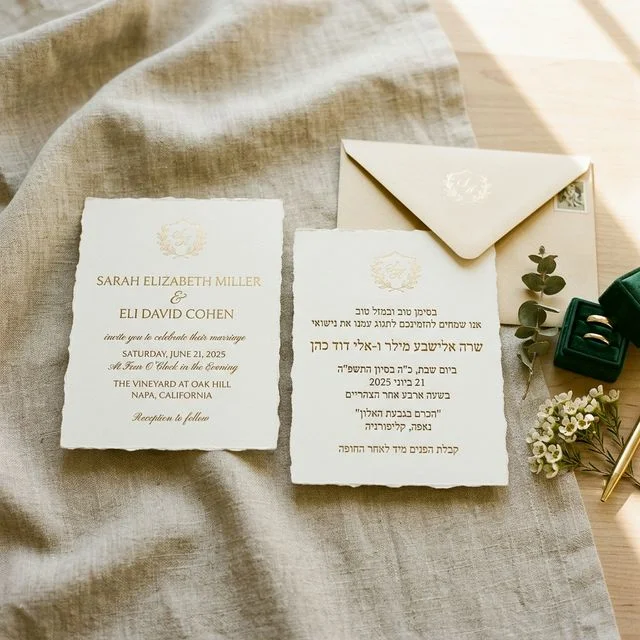
| Right-to-left (Hebrew, Arabic) | No RTL setting in Google's Forms help | Full mirrored layout for Hebrew, Arabic, Farsi, Urdu, Pashto and Yiddish |
| Guest needs an account | Not by default; yes with file upload or "Limit to 1 response" | Never. No app, no sign-in |
| Sending invitations | Link, embed, or email when you publish | Link, QR code, or bulk WhatsApp, SMS and email (1 credit per guest per send) |
| Reminders to non-responders | None | Manual, scheduled and automatic, on every plan |
| Guest list / invite-only | No guest list | Import a guest list from Excel or CSV; invite-only mode on Event Pro and above |
| Results | Summary charts, live linked Google Sheet, free CSV download | Live dashboard with attending, maybe and declined counts and dietary breakdowns. CSV export on Event Pro |
| QR code | Not among Google's sharing options; paste the link into a QR generator | QR code for the form, free |
| Seating and check-in | None | Signature ($95): drag-and-drop seating chart, per-guest QR codes and a check-in scanner |
Households, Headcounts and Meals
This is the biggest practical difference. Invitations go to households, not individuals. A reply usually means "the four of us are coming, two want chicken, one wants fish, and our youngest is vegetarian."
In Google Forms
Google Forms records one row per submission and has no way to repeat a set of questions for each person. To collect a meal per guest, you pick a workaround:
- A multiple choice grid with rows "Guest 1", "Guest 2", "Guest 3" and meal columns. It works, but the meals aren't tied to names.
- A "How many in your party?" question that branches to a section with that many name and meal questions. Google's section branching makes this possible, but you build and maintain a section for every party size.
Either way, the totals come from you: a SUM over the headcount column in Sheets, and counting meals across several columns.
In QuikRSVP
One reply is one household. The guest says how many are coming, can give each person's name, and answers any question either once for the party or separately for each guest. Choice questions take quantities, so "2 chicken, 1 fish" is a single answer. Meal and dietary questions are built in, and custom questions are unlimited on every plan.
The dashboard adds it up as replies arrive: attending, maybe and not attending, and dietary breakdowns. If your event has several parts, such as a ceremony, a reception and a brunch, each part (up to five) gets its own RSVP and optional limit.
One reply, the whole household: a family of four sends one reply, not four, and the dashboard counts every guest inside it. Across 19,711 replies to 1,037 events on QuikRSVP, the average party was 1.95 guests.
Languages and Right-to-Left
A Google Form shows the words you type, in the language you type them. There's no built-in translation, so a bilingual event means writing every question twice inside the same form, or building and sharing a second form and merging two sheets afterwards. Google documents right-to-left controls for Docs, Sheets and Slides, but its Forms help has no right-to-left setting.
QuikRSVP translates one form into any of 70+ languages with AI. Each guest sees the form in their language and can switch with a toggle, and every reply lands in the same dashboard. Hebrew, Arabic, Farsi, Urdu, Pashto and Yiddish get a fully mirrored right-to-left layout, not just right-aligned text. One translation language is free; unlimited languages come with Event Pro.
Invitations and Reminders to People Who Haven't Replied
Google Forms can email the form to addresses you enter when you publish it, give you a link (or a shortened one), and embed the form on a web page. It can also email you when someone responds. It has no reminders, and since it has no guest list, it can't tell you who hasn't answered. Chasing late replies means comparing the sheet against your own list and messaging people yourself.
In QuikRSVP you can share the link or QR code yourself, or send invitations in bulk by WhatsApp, SMS or email from the dashboard. Each guest gets their own tracked link, so every reply matches back to the right person on your list. Reminders can go out manually, on a schedule, or automatically to everyone who hasn't responded, timed relative to your event. This works on every plan, including free, at 1 credit per guest per send. Every account gets 25 free credits, Event Pro includes 150 and Signature 300. (Meta has paused WhatsApp marketing messages to US numbers, so US guests get an SMS instead.)
Guest List and Invite-Only Mode
A Google Form is open to anyone with the link. You can turn on "Limit to 1 response", but that makes every guest sign in to a Google account, which is friction for older relatives and anyone without Gmail.
QuikRSVP lets you import your guest list from Excel or CSV, so invitations, reminders and replies all tie back to real people. On Event Pro and above, invite-only mode closes the form to anyone who isn't on the list. Guests never sign in either way. If you already collected some replies in Google Forms, download them as a CSV and import them into QuikRSVP as responses.
Design and the Envelope
Google Forms gives you a header image (uploaded, from Drive or Photos, from a web search or a URL), a theme colour, a background colour, and a font and size for headers, questions and text. That's enough for a tidy form, and it's clearly a Google Form.
QuikRSVP's form opens like an invitation. Every design option is free: a header photo you upload and crop, or one from a gallery of 27; colours picked from your photo or any custom colour; 11 title fonts. Then there's the envelope-opening animation, with 12 envelope papers, a wax-seal monogram in gold or silver, a different card image per language, and each guest's name on the envelope. The form also carries Google Maps and Waze buttons, add-to-calendar, and links to a registry or website, and you can give it a custom link like quikrsvp.com/sarah-and-david.
Design matters more than it sounds, because 91.5% of replies to QuikRSVP forms are submitted on a phone, usually straight from a message. A form that looks like an invitation gets treated like one.
Dashboard, Seating and Check-In
Google Forms' job ends at the response. Its summary charts update as answers arrive, and the sheet is yours to work with from there.
QuikRSVP keeps going after the reply. The live dashboard lets you search, filter and edit replies, add guests who answered by phone, and give co-hosts access on any plan. On Signature ($95 per form) you also get a drag-and-drop seating chart that keeps parties together and shows each guest's meal, plus a personal QR code for every guest and a check-in scanner for the door. Those are paid features; the RSVP form, questions, design, envelope and dashboard are free.
When Google Forms Is Enough
Google Forms fits when each reply is one person and you want the answers in a spreadsheet, such as a work lunch, a club meetup or a class sign-up. It's the better pick if:
- You want a live Google Sheet. Linked responses keep arriving in a spreadsheet you can sort, filter, share and build formulas on, and a CSV download is free. QuikRSVP has no live Google Sheets sync.
- You're collecting a large volume and want to pay nothing. Google Forms is free at any volume, up to 500,000 responses per form.
- You need survey-style branching or question types. "Go to section based on answer" can skip whole sections or submit early, across up to 75 sections, and Google has linear scales, grids, date, time and file upload questions plus a template gallery. QuikRSVP's logic is one level of show-if, and it has no template catalogue for the form.
- Everyone already knows it. Your guests have filled in a Google Form before, and respondents can edit their answers after submitting if you turn that on.
When replies come from households with meals to count, when guests read more than one language, when you want invitations and reminders sent by WhatsApp, SMS or email, or when you need a guest list, seating or check-in later, QuikRSVP does the work Google Forms leaves to you. Birthdays, showers, bar and bat mitzvahs, community events, corporate events and weddings all fit; the builder isn't tied to one event type.
Choose Google Forms if...
Replies are individual, a live spreadsheet is what you want, and you're happy to chase late replies yourself.
Choose QuikRSVP if...
You're inviting households, want a meal for each guest, have guests in more than one language, or want invitations and reminders sent by WhatsApp, SMS or email from one place.
Try both in ten minutes
Building a QuikRSVP form needs no account. Make one, send it to yourself, and compare it with your Google Form on your phone, where most guests will answer.
Frequently Asked Questions
Is QuikRSVP better than Google Forms for RSVPs?
Yes, for most invitations, because it is built for RSVPs: one reply holds a whole household with each guest's name and meal, one form shows in 70+ languages with right-to-left layout, and you can send invitations and reminders to non-responders by WhatsApp, SMS or email. It is free to start, and larger events pay once per form, not a subscription.
Is Google Forms good for RSVP?
Only for the simplest case: a yes/no from individuals. Google Forms is a general survey tool with no RSVP features, so it has no meal choice per guest inside a household reply, no built-in translation or right-to-left setting, no guest list and no reminders to people who have not replied. QuikRSVP has all of these, free to start.
Is Google Forms free for RSVPs, and is there a response limit?
Google Forms is free with a Google account, and since September 2026 each form can take up to 500,000 responses and 1 GB of storage. QuikRSVP is also free for small events: 3 forms a year with 25 replies each, and a reply is one household, so that is about 50 guests. Replies past 25 are still saved. The free plan includes unlimited custom questions, show-if logic, party sizes with each guest's name and meal, up to 5 event parts, the envelope animation, a custom link, a QR code, 1 AI translation language, 25 messaging credits and form links that never expire. Larger events pay once per form: Event Pro is $45 for 150 replies.
Do guests need a Google account to RSVP on Google Forms?
Not for a basic form shared with anyone who has the link. Some settings change that: a file upload question requires respondents to sign in to a Google account, and so does turning on Limit to 1 response. QuikRSVP never asks guests to sign in or install anything.
Can Google Forms send RSVP reminders?
No. Google Forms can email the form to people when you publish it and can email you when a new response arrives, but it has no reminders to people who have not replied, and it does not know who has not replied unless you compare a guest list by hand. QuikRSVP sends manual, scheduled and automatic reminders by WhatsApp, SMS or email on every plan, at 1 credit per guest per send.
Can Google Forms collect a meal choice for each guest in a party?
Only with workarounds, such as a multiple choice grid with rows for Guest 1, Guest 2 and so on, or a section per party size using Go to section based on answer. Google Forms has no per-guest repeat. QuikRSVP asks a question once per party or separately for each guest, collects each guest's name, and counts answers like 2 chicken, 1 fish.
Can I export QuikRSVP replies to Google Sheets?
On Event Pro and above, you can download your replies as a CSV and open it in Google Sheets. On every plan, the live dashboard updates as replies arrive, with attending, maybe and declined counts and dietary breakdowns.
Build an RSVP form and compare
Open the builder and make your form, no account needed. Add household headcounts, a meal per guest and a second language, then send it to your own phone next to your Google Form.
Start Building Free