Quick answer: To make a free RSVP link, open the QuikRSVP RSVP form maker — no account needed to start — build your form (event details plus the questions you want), then publish to get one shareable link and a QR code. Each household replies once with every guest's name and meal choice, the form can run in any of 70+ languages, invitations and reminders to the guests who haven't answered go out by WhatsApp, SMS or email, and every reply shows up live on your dashboard. It's free to start and a one-time price per event if you grow past the free plan, never a subscription. Setup takes about two minutes.
You don't want a wedding website. You don't want a "Smart Invite." You want one link you can paste into WhatsApp and watch the replies come in. That's what an RSVP link is — and that's what this guide is about.
Reading is one thing — trying is another. The phone on the rightbelow is a live, working RSVP: tap the invite exactly like your guests would.
What a Free RSVP Link Actually Is
An RSVP link is a single shareable URL (like quikrsvp.com/sarah-wedding) that opens a form where guests say yes, no, or maybe. Everything else — paper cards, mail-in reply cards, Google Forms hacked into a wedding shape, group-chat polls — is a workaround.
A good free RSVP link gives you four things:
- A page that looks like your event, not a generic form
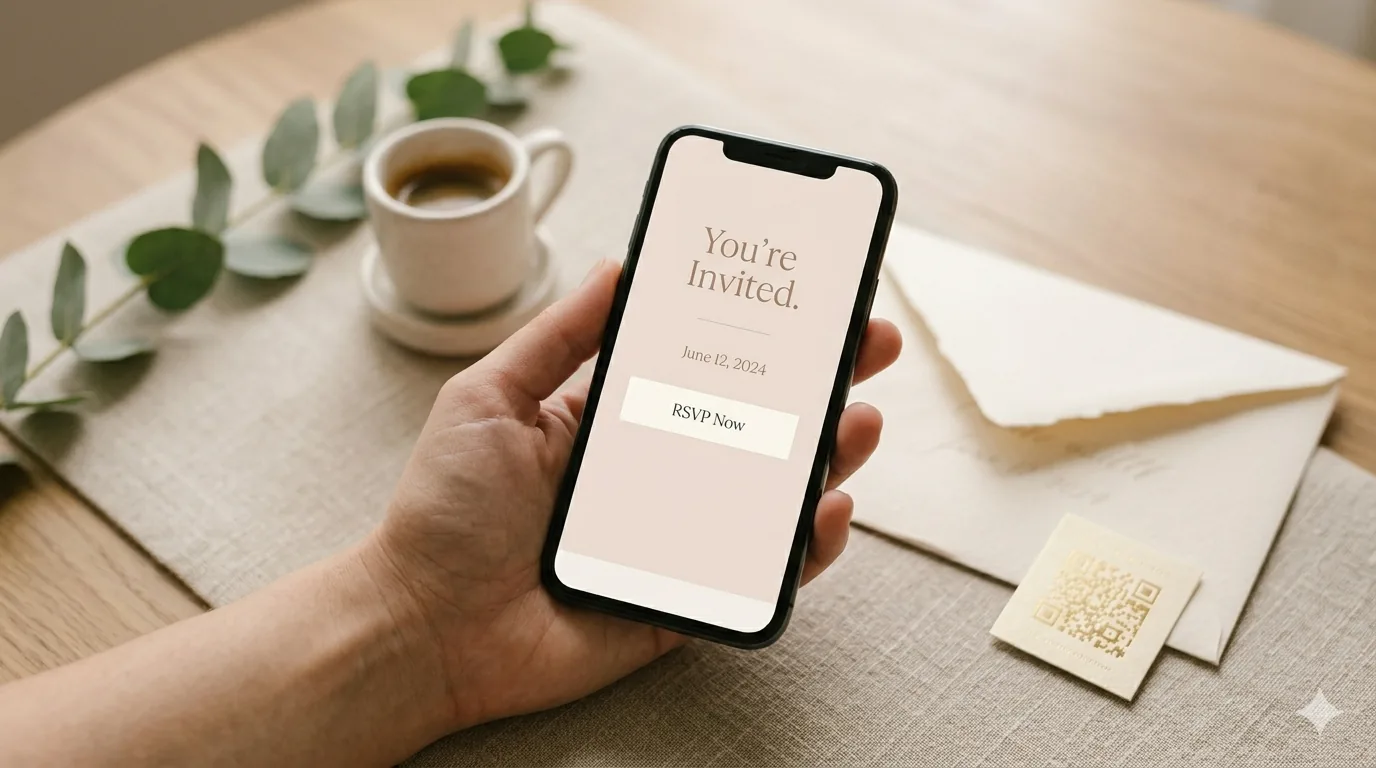
- A link you can share anywhere — text, WhatsApp, email, Instagram bio, QR code on paper invites
- A real-time dashboard showing who replied
- Enough free capacity to actually run a real event, not a 10-person trial
Create Your Free RSVP Link in 3 Steps
Build the form
Event title, date, location, and the response options you want (yes/no, meal choice, plus-ones, dietary). Takes 60–90 seconds.
Pick your URL
Set a custom slug like /sarah-and-david or /jacks-30th — free on every plan. You get a short QR code too.
Share the link
WhatsApp, text, email, Instagram, printed invite. Replies appear on your dashboard in real time.
"Free RSVP" Tools Compared — What's Actually Free
Almost every RSVP tool calls itself "free." The honest question is: free to do what? Here's the real breakdown.
| Tool | Free tier covers | Where it falls short |
|---|---|---|
| Google Forms | Up to 150 responses, free forever | Looks like a spreadsheet form. No event branding, no custom URL, no reminders, no QR, no dashboard. |
| Partiful | Free for casual parties | US-only, English-only, phone-number required from every guest, social-feed style that some guests find intrusive. |
| Evite | Free basic invites | Heavy ads in free tier. Limited customization. No WhatsApp delivery. |
| The Knot / Zola | Free wedding website with RSVP | Wedding-only. English-only. Email reminders only, no WhatsApp. Forces guests through a full wedding site. |
| QuikRSVP | Free form builder, 3 forms, 25 replies each (per household, ~50 guests), custom URL, unlimited custom questions with show-if logic, each guest's name and meal, up to 5 event parts, envelope animation, QR code, real-time dashboard, 1 AI translation language, 25 messaging credits; links never expire and replies past 25 are still saved | Past 25 replies on a single event, a one-time $45 Event Pro raises it to 150. Bulk WhatsApp/SMS sends use credits (25 free). |
The pattern: most "free" tools are free for very small events or free but restrictive (wedding-website-only, English-only, ad-heavy). QuikRSVP's free tier is designed for any event in any language, with a one-time price per event if you outgrow it.
Free RSVP Link — By Event Type
Free RSVP Link for a Wedding
Weddings want three things a generic form can't give you: a design that matches your event, replies that feel personal, and the ability to chase non-responders without a spreadsheet. QuikRSVP's free plan handles all three, including custom questions for meal choice, dietary needs and plus-one names; reminders to non-responders work on every plan and cost 1 messaging credit per guest, with 25 free credits on every account. A bigger wedding is a one-time $45 Event Pro per event for up to 150 replies (about 300 guests), with unlimited AI translation for multilingual families and 150 bundled messaging credits. Full wedding RSVP guide →
Free RSVP Link for a Baby Shower
Baby showers are usually 15–40 guests — the free plan covers most of them comfortably. You can add custom fields for "bringing a gift from the registry" or "dietary restrictions" without any upgrade. Share the link in the family WhatsApp group and responses start arriving the same day.
Free RSVP Link for a Birthday Party
Birthday parties are the easiest case — one page, a yes/no response, maybe a headcount for food. Takes about 60 seconds to build. Most organizers never need to upgrade.
Free RSVP Link for a Corporate Event
For corporate events, QuikRSVP has a dedicated corporate form that asks for company, job title and department alongside dietary requirements for catering. Event Pro adds CSV export for seating charts and badges and raises the cap to 150 replies. Corporate event planning guide →
What Most "Free RSVP Link" Searches Are Really Looking For
When people search "free RSVP link," they're usually hitting one of these walls. Here's what actually solves each one.
- "I want a single URL I can share in WhatsApp." That's a custom-URL RSVP tool. QuikRSVP gives you one by default.
- "I don't want to build a full wedding website." Skip The Knot / Zola. A dedicated RSVP tool like this one is what you need; our custom RSVP form builder guide shows what you can ask guests.
- "I need it in Spanish / Hebrew / French." Most free tools are English-only. QuikRSVP translates the guest form into any of 70+ languages with real right-to-left layout, and the builder itself runs in 7 languages.
- "I want to know who hasn't replied." You need a dashboard with status filtering — not a Google Form response sheet.
- "I want to send reminders without doing it one by one." You need bulk messaging (WhatsApp or SMS) filtered by response status. See our reminder templates.
- "I don't want ads or upsells on the guest-facing page." Check the free tier carefully — Evite's free tier puts ads directly on the invite. QuikRSVP's free guest page is ad-free.
Frequently Asked Questions
Is QuikRSVP really free?
Yes. You can create and share an RSVP link for free. The free plan includes 3 forms a year and 25 replies per form, counted per household (about 50 guests), with unlimited custom questions, show-if logic, each guest's name and meal, up to 5 event parts, the envelope animation, your own custom link, a QR code, one AI translation language and 25 messaging credits. Form links never expire, and replies past 25 are still saved. You only pay if one event needs more replies (a one-time $45 Event Pro for 150) or for bulk WhatsApp/SMS sends beyond your 25 free credits.
Do I need an account to create a free RSVP link?
You can try the builder instantly without signing up. A free account is only required when you want to save your form and share the link with guests.
Do guests need an account to RSVP?
No. Guests open the link and reply — no sign-up, no app, no password. QuikRSVP never asks a guest to create an account or join anything, which is why response rates hold up when you share the link over WhatsApp or text.
How do I share my RSVP link with guests?
Once your form is published, you get a short shareable URL and a QR code. Paste the link into WhatsApp, text, email, a wedding website, Instagram bio, or print the QR on paper invites.
Can I customize the RSVP link URL?
Yes, on every plan including free — set a custom slug like quikrsvp.com/sarah-and-david so the link reflects your event. It goes live once your email is verified. A free form can change its link once, and paid forms as often as they like.
Does the free RSVP link work on phones?
Yes. The guest-facing RSVP page is fully mobile-optimized. Most guests reply from their phone directly from WhatsApp or text.
Can I use a free RSVP link for a wedding?
Yes. Each household replies once with every guest's name and meal choice, plus any custom questions you add (dietary needs, plus-one names, song requests), all free, and reminders to non-responders work on every plan. A bigger wedding is a one-time $45 per event for up to 150 replies.
Can I see who hasn't responded?
Yes. The dashboard shows every guest and their status. Filter by "not responded" and send WhatsApp, SMS or email reminders in one click, on every plan at 1 credit per guest.
Is QuikRSVP an RSVP form maker too?
Yes. QuikRSVP is a free RSVP form maker and generator: build a custom RSVP form (event details, meal choices, plus-ones, dietary questions), then share it as a link or QR code. No design or coding needed, and you can start without an account.
Your Free RSVP Link Is 2 Minutes Away
No credit card, no trial clock, no "unlock at checkout." Build the form, get the link, share it. Start free.