Quick answer: put a QR code on every table that opens a shared album in the guest's browser — no app, no account, just their name and their camera roll. Let photos appear immediately rather than queueing for approval. Then send one short message the morning after to the people who actually attended, because that single message tends to collect more than the cards do. Before you pay for anything, check two pieces of fine print: how long the service hosts your photos (entry tiers are often 60–90 days) and whether you ever get full-size files rather than compressed copies.
Why you never get your guests' photos
Almost every couple has the same experience. At the wedding, dozens of people are filming and photographing everything. Two weeks later, you have received maybe nine photos — five from your sister, four from the friend who always sends things.
It isn't that guests don't want to share. It's that every method of asking has friction in exactly the wrong place:
- "Text them to us" — messaging apps compress heavily, the photos arrive scattered across a dozen threads, and everyone assumes someone else already sent that one.
- A wedding hashtag — only captures what people choose to post publicly, at social-media quality, and misses every guest with a private account or no account at all. Hashtags are fun. They are not a collection method.
- A shared cloud folder — needs an account, often an app, and a permissions dance nobody wants to do at a party.
- "We'll ask later" — later never comes, and by the time it does, phones have been wiped, upgraded, or backed up into somewhere nobody can find.
The pattern is that the ask lands at a moment when the guest is holding a drink. Any step beyond "point camera, tap, choose photos" loses most of them.
What actually works: a QR album in the browser
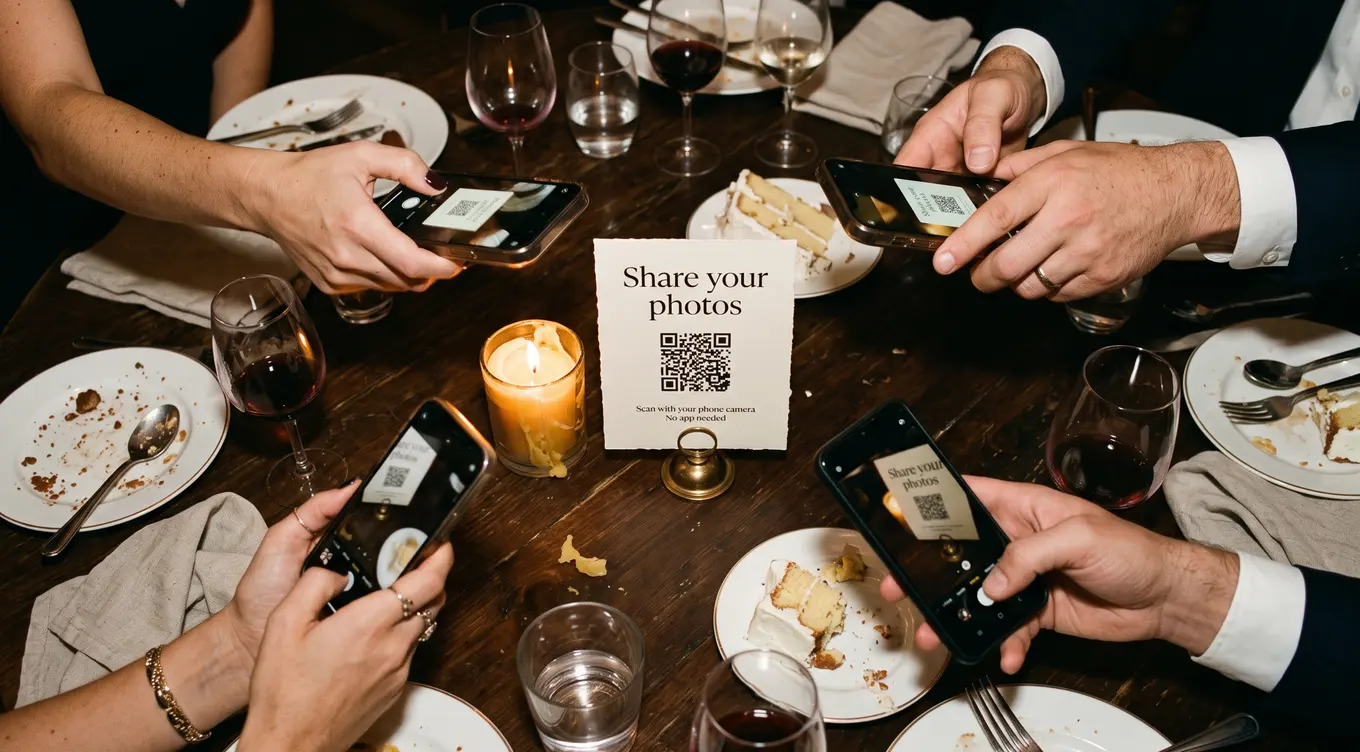
The approach that collects the most photos is boring and mechanical: a printed QR code on each table, pointing at a page that opens in the phone's own browser. The guest scans it, types their first name, selects photos, and they're done. Nothing is installed. Nothing is signed into.
If you'd rather see it than read about it, there's a live sample album you can open right now — it's a real page, and it opens in your phone's browser with nothing to install.
Three things separate a setup that fills up from one that doesn't:
1. The card has to look like it belongs on the table
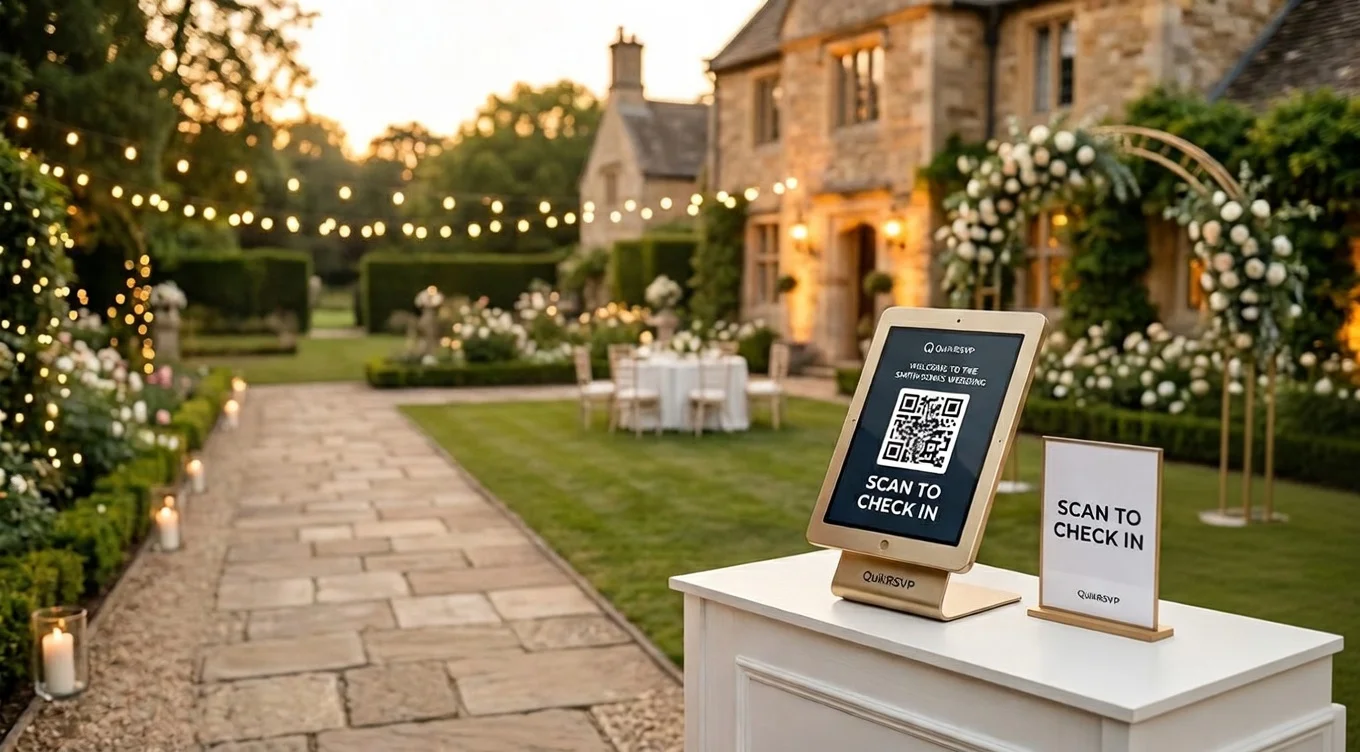
This sounds cosmetic and isn't. A printed QR card that looks like a receipt gets tidied away or ignored. One that looks like part of the stationery — your names, a line of instruction, the link printed underneath for anyone whose camera won't scan — gets used. Put one on every table, not one by the entrance where people walk past it in the first ten minutes and never return.
2. Photos should appear immediately
Most services let you hold every upload for approval. It sounds sensible and it is usually a mistake. A couple on honeymoon does not open a queue of 400 pending photos, so the album stays empty, guests who uploaded see nothing appear, and word spreads that "it didn't work."
The better default: let photos publish straight away, keep the ability to delete anything with one tap, and rely on automatic screening to hold back anything genuinely inappropriate. Turn full review on only if you have a specific reason — the album is going on a screen at the reception, or your guest list has real privacy sensitivities.
3. Ask twice
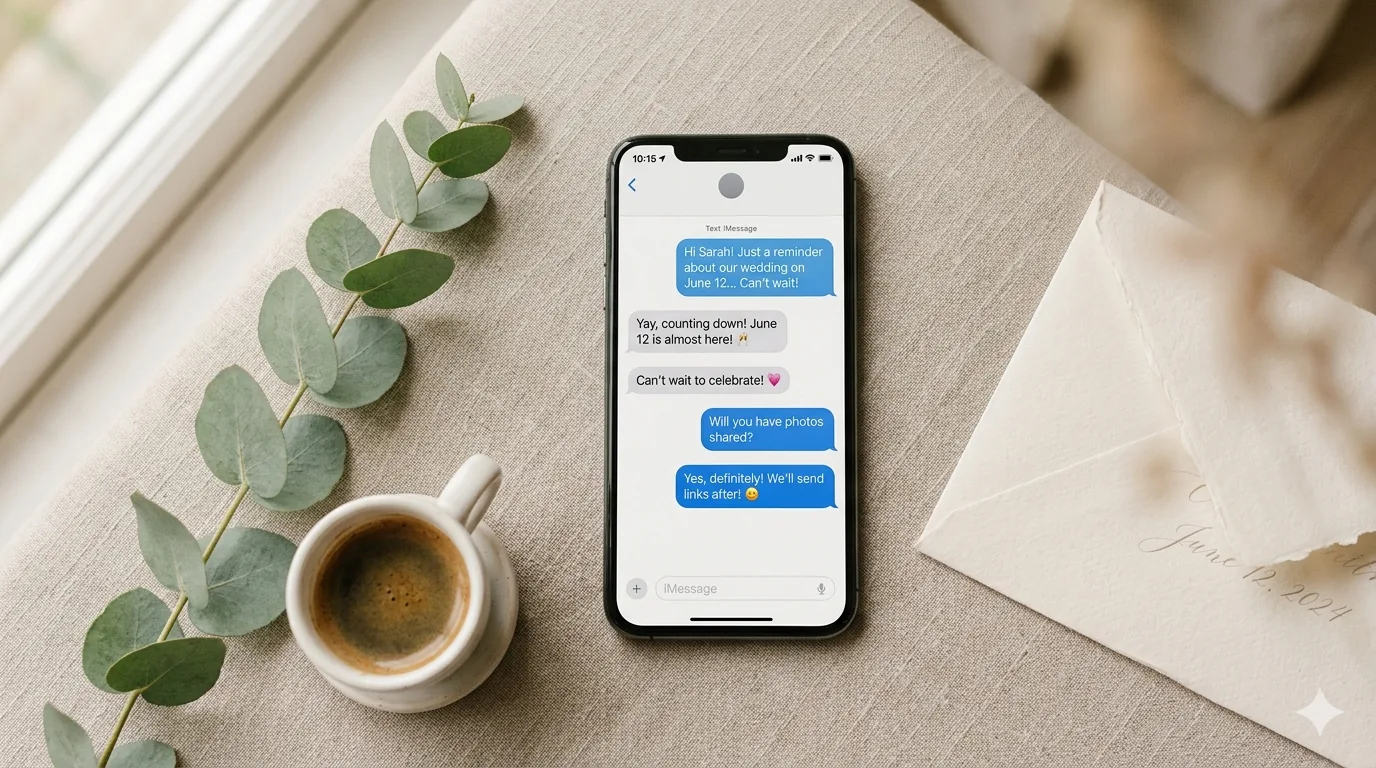
The table card catches people during the event. But plenty of guests take photos all night and never look at the card at all. A short message the morning after — to the people who actually came — reaches them while the night is still fresh and while the photos are still the most recent thing on their phone.
This is the step most couples skip and the one that changes the numbers most, because it is the only one that reaches a specific person rather than hoping they noticed a card. If your RSVP tool knows who attended and how to contact them, this is a single message rather than a chore.
The fine print worth reading before you pay
Standalone QR photo album services typically charge a one-time fee somewhere in the $25–$100 range per event. The price differences usually come down to the same handful of things, and two of them matter far more than the rest.
How long are photos hosted?
This is the one couples get caught by. Entry tiers commonly stop hosting after 60–90 days — often before the thank-you notes are finished. Whatever you choose, download everything as soon as uploads close.
Do you get full-size files?
Several services show compressed copies and charge extra for originals. A compressed photo is fine on a phone and disappointing in a print. Check what a download actually contains.
Is there an app in the way?
Some of the bundled options from big wedding-website platforms are free, but route guests through their app. Anything that asks a guest to install something will lose most of them.
Can you remove a photo properly?
"Hidden" is not "deleted". If you ever need a photo gone, you want it actually gone from the service's storage, not just hidden from the gallery view.
Beyond those, watch for per-guest upload caps (some entry tiers cap each guest at a surprisingly low number) and whether the price you see is the real one or the first rung of an upgrade ladder.
A practical setup, start to finish
- Two weeks before: create the album and print the cards. Put one on every table plus a couple near the bar and the photo booth if you have one.
- Decide who can see it. Open to anyone with the link is fine for most weddings. If you would rather it not be forwardable, choose an option that checks the visitor against your guest list.
- Leave approval off unless you have a specific reason to turn it on.
- On the night: have whoever is doing announcements mention it once, early, before the dancing. One sentence is enough.
- The morning after: send the message. Short, warm, one link.
- When uploads close: download the whole album immediately and put it somewhere that isn't a single laptop.
How this works on QuikRSVP
Every QuikRSVP event includes a guest photo album, on every plan including the free one. You switch it on from your event dashboard, print the QR cards from the same screen, and guests upload from their browser — no app, no account, first name only.
Being straightforward about the limits, since that is exactly what this article just told you to check:
- Free, on any plan: your album shows the 30 most recent photos on a rolling basis, and is kept for 12 months after your event. Guests can keep uploading past 30 — their photos are saved, just not displayed.
- Full Album, $49 one-time for that album: every photo stays, at full size, with a download of the whole album, kept for two years and renewable, and guests can add videos too, up to 60 seconds each.
- Uploads close 90 days after your event, and photos beyond the free 30 are deleted at that point if you haven't unlocked. We tell you this in the dashboard before the event, not after.
- A guest's upload never fails. The limits govern what you keep, not what a guest can send — nobody gets an error message at your wedding.
The part that is genuinely hard for a standalone photo app to copy is the day-after message. Because your RSVPs already live in the same place, QuikRSVP knows who said yes and how to reach them, so "send everyone who came a link to the album" is a scheduled message rather than a manual job. That is also why it tends to collect more than the cards alone.
If you're still choosing an RSVP tool, you can create a free RSVP form in a couple of minutes and the album comes with it. If you already have a wedding website, the album can appear on your Photos page too. And if your RSVPs are handled elsewhere and you only want the photos, there's a standalone guest photo album — same QR cards, no RSVP form involved.
Frequently asked questions
Do guests need an app?
They shouldn't. Everything above assumes a browser-based album, because that is what actually gets used. Any tool that requires an install will collect a fraction of what it could.
What about guests who aren't technical?
Print the link underneath the QR code. Some people will type it rather than scan, and a few will hand their phone to a younger relative. Both are fine. Don't rely on the QR alone.
Can we show the photos on a screen at the reception?
If you plan to, turn approval on — a live screen is the one situation where the risk of an unscreened photo outweighs the cost of a queue, and you'll want someone other than the couple watching it.
How many photos should we expect?
It varies enormously with how visible the cards are and whether you send the day-after message. A reasonable planning assumption for a 150-guest wedding is that a minority of guests upload, and those who do upload a handful each — so a few hundred photos rather than a few thousand. Plan your storage choice around the higher end, not the lower.
What happens to the photos afterwards?
Whatever the service's retention policy says — which is why it's worth reading before the wedding rather than after. Download everything as soon as uploads close, and keep a copy somewhere that isn't one device.