Guest photo album

Your guests took two thousand photos. Get them.

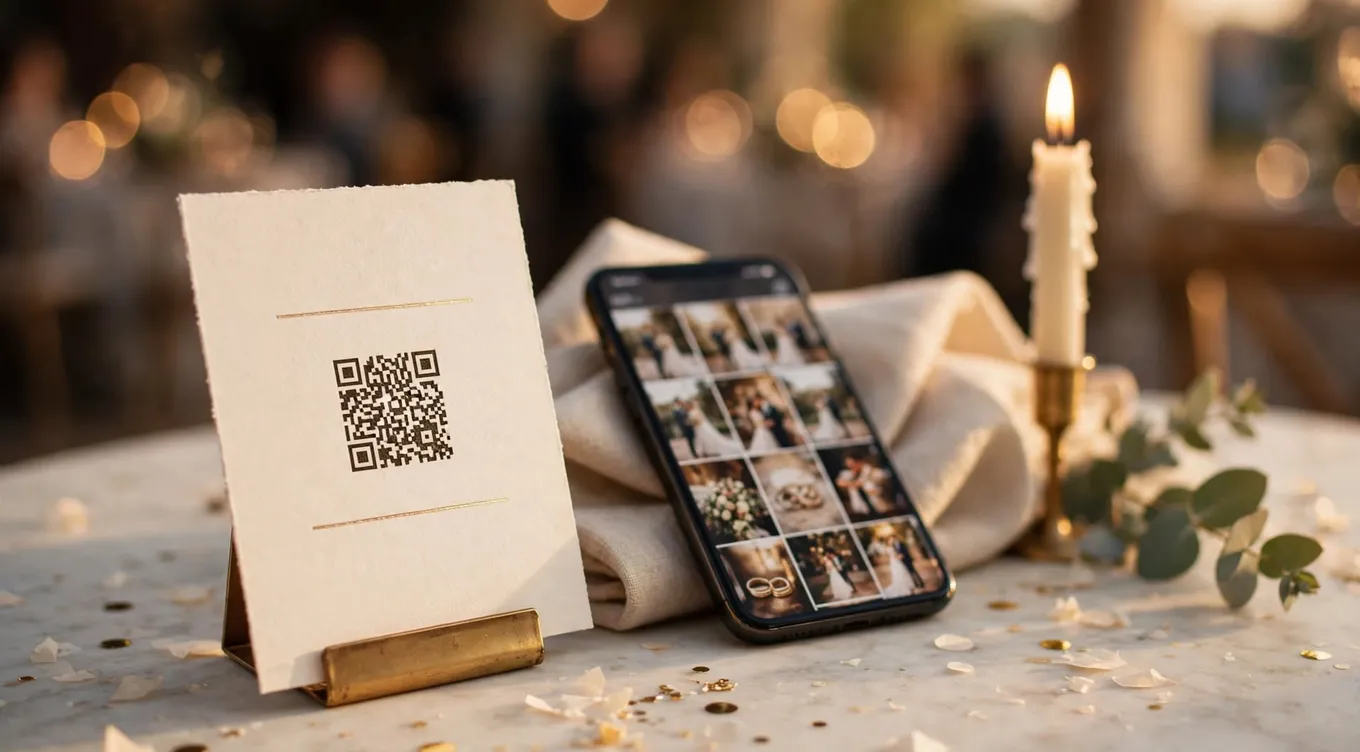
Put a QR card on every table. Guests scan it, type their name, and their photos land in one shared album — no app to download, no account to make, nothing to explain to anyone's uncle.

Create your album $39 once · no subscription
A printed QR card in a brass holder on a wedding reception table, beside a phone showing a grid of guest photos, with a candle and eucalyptus in golden-hour light

Three steps, and none of them are yours on the night

Set it up in a few minutes, print the cards, and forget about it until the photos arrive.

Print the cards

We generate a designed QR card with your names on it, laid out four to a page. Put one on every table.

Guests scan and upload

It opens in their phone's browser. First name, pick photos, done. Their photo appears in the album straight away.

Download everything

Every photo at full size, as one download, whenever you want it. Kept for two years.

What your guests see

One page, newest first, with whoever took the photo named underneath. It works the same on a phone as it does here.

Sarah & Michael 184 photos · 41 guests
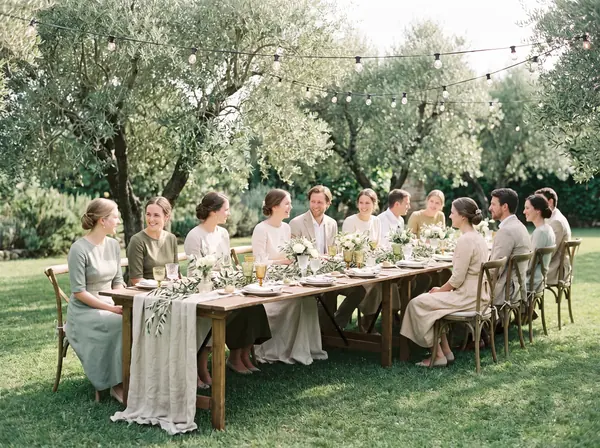
Guests raising glasses at a garden reception
Maya
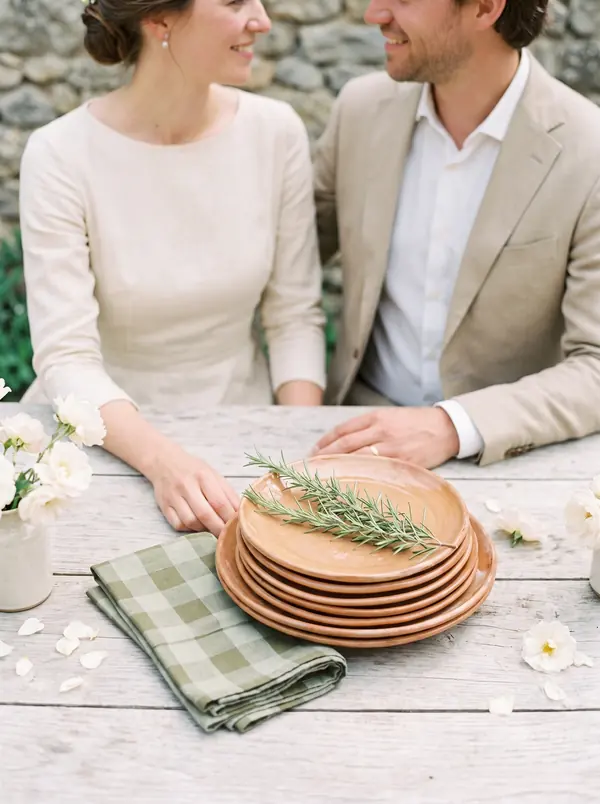
The couple photographed from the side during the ceremony
Daniel
A long table laid for the wedding dinner
Priya
A guest dancing at the reception
Tom
The wedding party photographed together outdoors
Aviva
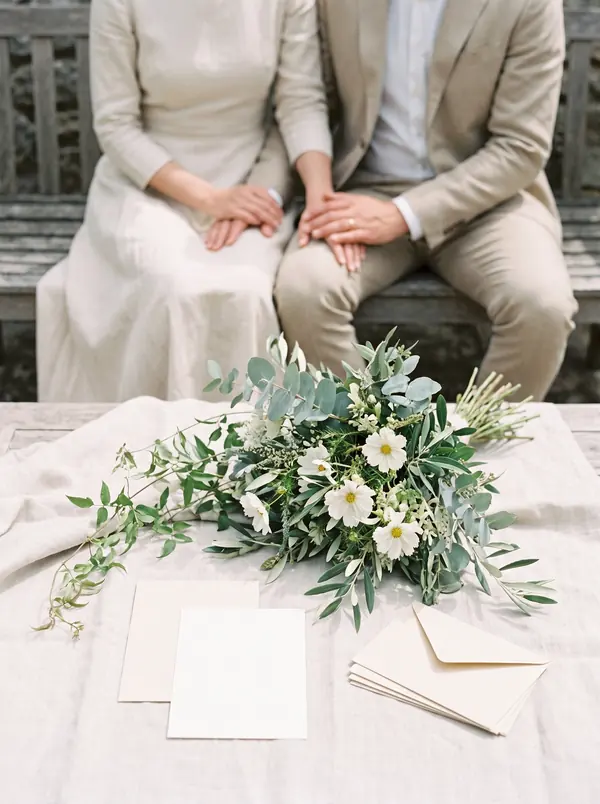
Detail of the flowers and place settings
Noor

A sample album. Tapping any photo opens it full-screen, and you can download the lot at full size.

QR code linking to the demo guest photo album at quikrsvp.com/album/sarahmichael
Don't take our word for it — scan this. It's a real album, and it opens in your phone's browser. Nothing to install, no account, no sign-up wall. Open the demo album

The things worth checking before you pay anyone

Including us. These are the details photo-sharing services tend to bury.

Kept two years, not ninety daysEntry tiers elsewhere commonly stop hosting after 60–90 days — often before the thank-you notes are written. Uploads here stay open 90 days after the event; the album itself lasts two years and renews.
Full-size files, includedNot compressed previews with the originals sold separately. What you download is what your guests' cameras captured.
No app, for anyoneGuests never install anything or make an account. That single fact is the difference between a full album and nine photos from your sister.
Delete means deletedRemove a photo and it goes from our storage, not just out of the gallery view. You can also hold every upload for approval if you'd rather.
A wedding guest in her sixties laughing as she holds up her phone to take a photo at a reception, a glass of wine in her other hand, string lights and guests behind her
She didn't install anything. She scanned the card on her table, typed her name, and that photo is already in the album.

Create your album

Two details now, payment next, QR cards straight after.

Shown to guests at the top of the album, and printed on the cards.
Uploads stay open for 90 days after this date, so guests can add photos long after.

Questions

Do guests need an app?

No. They scan the QR code with their phone camera, type their first name, and pick photos from their camera roll. It happens in the phone's own browser — nothing to install, no account to create.

How long are the photos kept?

Two years, renewable. Uploads stay open for 90 days after your event, and you can download everything at full size whenever you like. It's worth comparing this: entry tiers elsewhere often stop hosting after 60–90 days.

What does it cost?

$39 once, for the album. No subscription and no per-guest charge. If you also use QuikRSVP for your RSVPs, every event already includes a free album showing the 30 most recent photos — and the same $39 upgrades it to keep all of them.

Can we approve photos before they appear?

Yes, but we'd suggest leaving it off for most weddings. A queue of several hundred photos waiting on a couple who are away means the album sits empty and looks broken. Anything automatically flagged as inappropriate waits for you either way, and you can delete any photo permanently.

Is there a limit on photos?

Each guest can add up to 25, and an album holds up to 2,000. A guest's upload never fails at the party — the limits govern what you keep, not what a guest can send.

We're already using QuikRSVP for RSVPs.

Then you already have an album — open your event dashboard and look for the Guest Photos tab. It's free on every plan, and it can send a message the morning after to everyone who actually attended, asking for their photos. That's the version that collects the most.