Quick answer: open the Background Music section of the QuikRSVP builder, switch on Play background music, and pick one of 16 built-in instrumental songs or upload your own MP3. Then turn on the envelope. With music on, the envelope waits sealed with a Tap to open button, and the guest's one tap opens it and starts the song together. That's as close to "autoplay" as any invitation can get, because no browser lets a page play sound before the visitor touches it. All of this is free on every plan. If you want the song to be yours, the song creator writes lyrics from your names and story and sings them in the style you choose. The 30-second preview is free, and keeping it costs $12.
Music is what makes a digital invitation feel like an occasion instead of a link. It sets the tone before anyone reads a word: a string quartet says something different from a bossa nova, and both say something different from a festive party track. Done badly, it's the thing guests scramble to mute. The difference is mostly in three details: when it starts, what it is, and whether the guest stays in control.
Why can't a digital invitation play music the moment it opens?
Because the browser won't allow it. Chrome, Safari, Firefox and every in-app browser (the one that opens when a guest taps your link in WhatsApp or Instagram) block a page from playing sound until the visitor has interacted with it. Nobody can switch this off. Any invitation that promises "autoplay music" either starts on the guest's first tap or plays a muted video.
So the real question is which tap starts the music. If it's a random tap somewhere on the page, the song kicks in halfway through the guest reading your details, which feels like an accident. The better answer is to make the first tap part of the opening.
The envelope trick
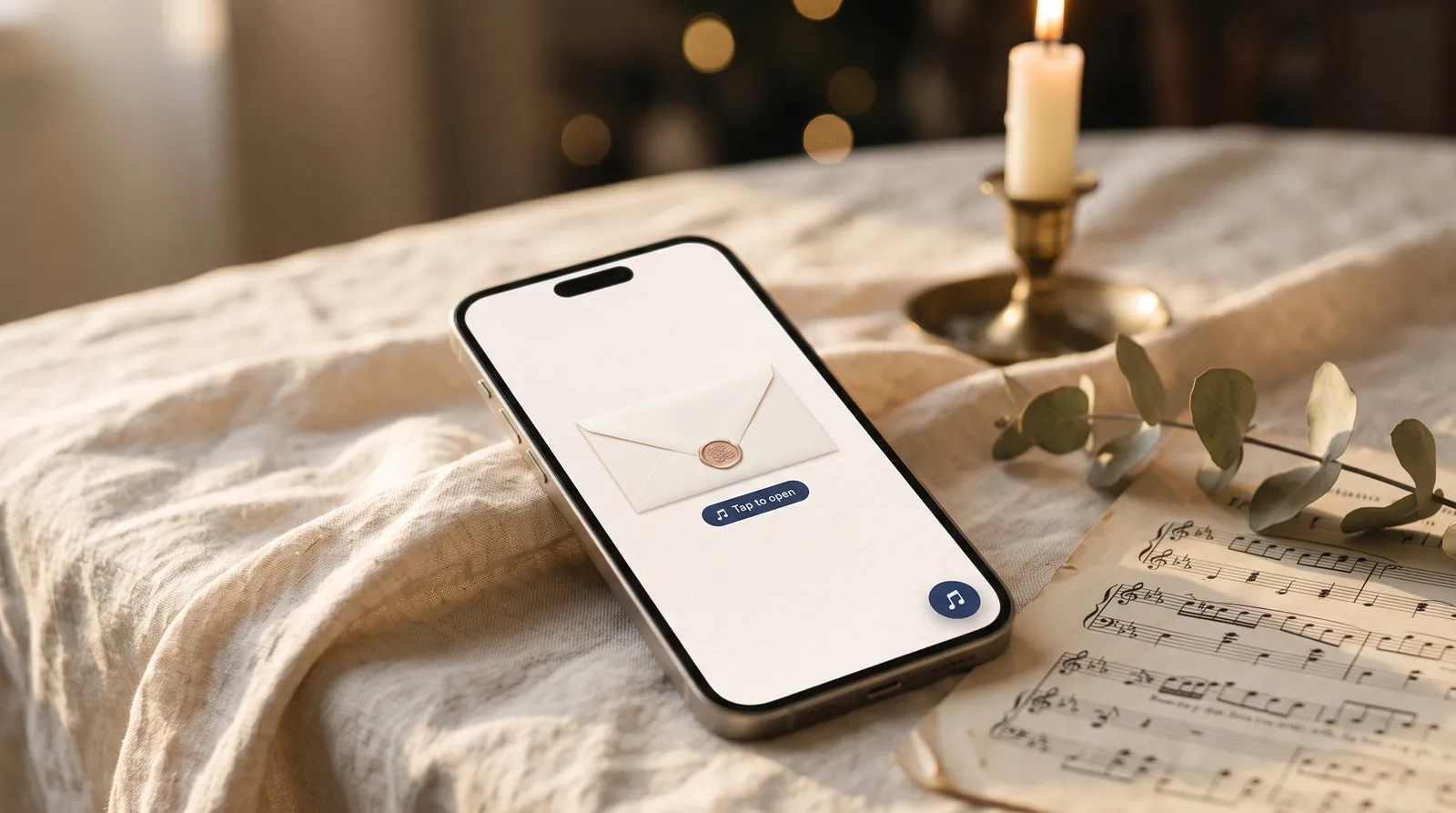
That is what the envelope is for. Normally the QuikRSVP envelope opens by itself a couple of seconds after the page loads. When you turn music on, it changes: the envelope waits, sealed, with a Tap to open ♪ button underneath. The guest taps, the seal breaks, the envelope opens and the song begins, all in the same moment. It's one gesture, and it feels deliberate rather than accidental.
Without the envelope, the music still works. It starts on the guest's first tap anywhere on the page. The builder shows a small tip while music is on and the envelope is off, because almost everyone who adds music wants it from the very first moment.
How to add music to your invitation, step by step
- Open the music section. In the form builder it's Background Music, directly under Invitation Envelope. The ticketed event builder has it in the same place. On a wedding website, it's the Background music panel in Step 1, under Customize Colors & Fonts.
- Choose the song. Switch on Play background music. Then pick one of our 16 songs (each has a Listen button), upload your own, or create a personalized one (more on that below). An upload must be an MP3 or M4A file of up to 10 MB, and you tick a box confirming you own the music or have permission to use it.
- Turn on the envelope. It's free on every plan, and with music on it becomes the "Tap to open" moment described above.
- Preview it like a guest. Preview Envelope Animation plays the opening and the music exactly as a guest gets them. In the small live preview beside the builder, the music only plays when you tap its button, so it doesn't loop at you while you edit.
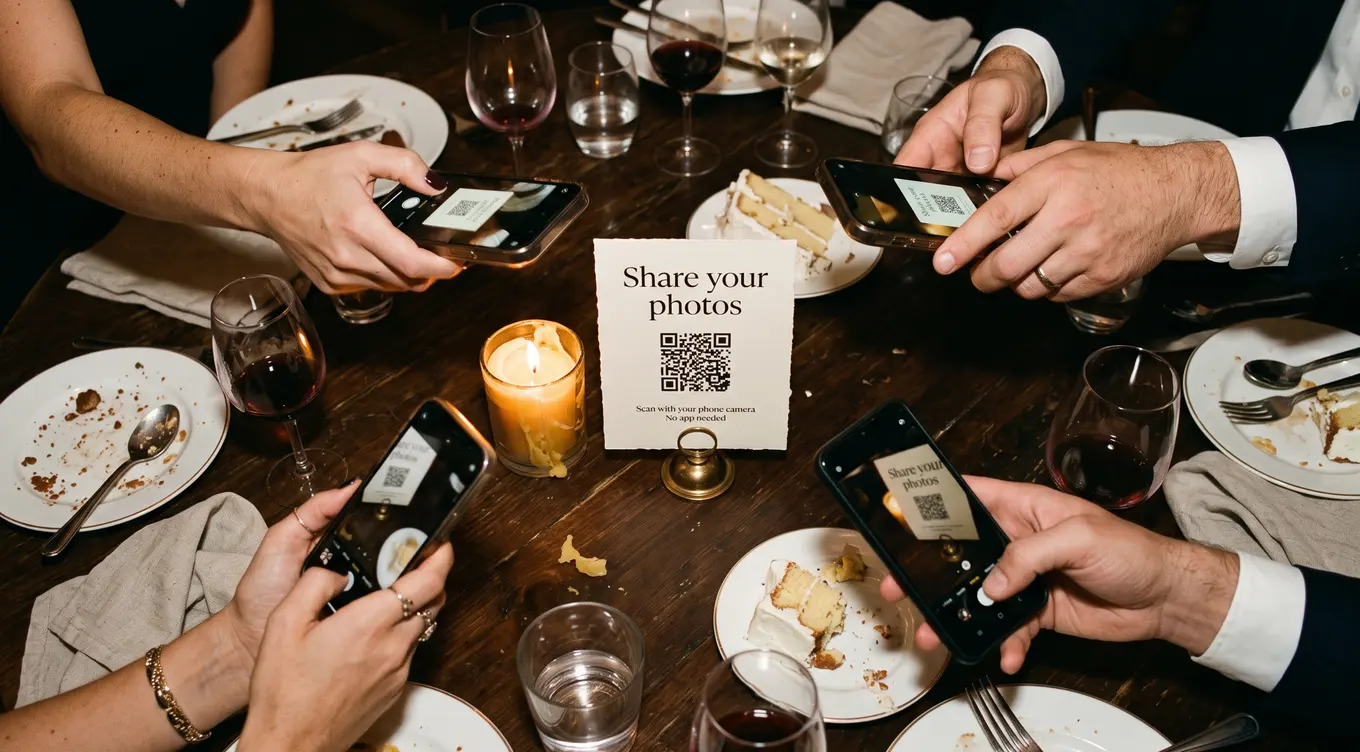
- Save and share. Send the link however you invite people: WhatsApp, email, text, or a QR code on a printed card.
Once a guest is in, the song loops quietly behind the invitation. A round button in the bottom corner pauses and resumes it at any time, and a guest who pauses it won't have it start again the next time they open your link to check the address.
Choosing the right song
A guest listens to your invitation music while doing something else: reading the date, finding the venue, filling in their meal choice. That shapes what works:
- Instrumental usually beats vocals for background. Lyrics compete with the words on the screen. The exception is a song that's about you, which is the point of the personalized song below.
- Match the event, not just your taste. The music is the first thing guests feel about your event. A waltz says formal. Festive handclaps say party.
- Gentle beats dramatic. A song that's lovely at full volume in a ballroom can be a lot coming out of a phone speaker at a bus stop.
The 16 built-in songs were made for QuikRSVP to cover the occasions people actually invite guests to. They're instrumental and free to use, so there's no rights question. Some starting points:
| Event | Songs worth trying |
|---|---|
| Classic or formal wedding | Romantic Piano, String Quartet, Piano & Cello, Cinematic Strings |
| Garden, beach or relaxed wedding | Acoustic Guitar, Ambient Folk, Harp & Flute |
| Quinceañera, ball or first-dance feel | Elegant Waltz |
| Latin-inspired celebration | Spanish Guitar, Bossa Nova |
| Arabic wedding, henna night or engagement | Oud & Qanun |
| Indian wedding, mehndi or sangeet | Sitar & Bansuri |
| Gala, anniversary or corporate evening | Jazz Lounge, String Quartet |
| Bar or bat mitzvah, milestone birthday | Festive Celebration |
| Baby shower or christening | Whimsical Woodwinds, Harp & Flute |
| Children's birthday | Playful Kids Party |
Can you use a song from Spotify or YouTube?
Not as a link. Background music has to be an actual audio file, so a Spotify, YouTube or Apple Music link can't be used. You can upload a song file instead, as long as you own it or have permission to use it. Whether a commercial recording is fine on your invitation is your call, not ours, and we don't check. The built-in songs and the personalized song sidestep the question entirely, because they were made for this.
If your file is a WAV, FLAC or Ogg, convert it to MP3 first. A three-minute MP3 is usually around 3 to 5 MB, well inside the 10 MB limit.
A song written and sung with your names
This is the part a paper invitation could never do: a song that is about you, with your names in it, playing as the envelope opens. In the music section, the card at the top reads Create your own song with custom lyrics. It opens a short guided popup:
- Pick a style and a voice. The same 16 styles as the built-in songs, each with a play button, sung by a female voice, a male voice or a duet.
- Tell it what you're celebrating. Choose wedding, engagement, anniversary, quinceañera, birthday, coming of age or baby celebration. If none fits, choose "Something else" and type it ("Retirement", "Bar mitzvah"). Add one or two names, an optional date, the language it should be sung in, and if you like a little story and a line you'd love to hear.
- Get the lyrics. Choose Write them for me and you get a draft built from your answers, which you can edit freely or nudge with More romantic, More fun, Shorter or New version. Or choose I will write my own and type or paste your own words.
- Hear a free preview. The song is made and the first 30 seconds play, usually in about a minute. You can close the popup and keep working, and a notice tells you when it's ready. You get two free previews per song.
- Pay $12 to keep it. It's a one-time card payment for that song. It isn't credits and it isn't a plan.
- Choose your favourite. You get three full versions, each about two minutes, and tap Use as my music on the one you love. One extra version is included free, for example if you change a name afterwards.
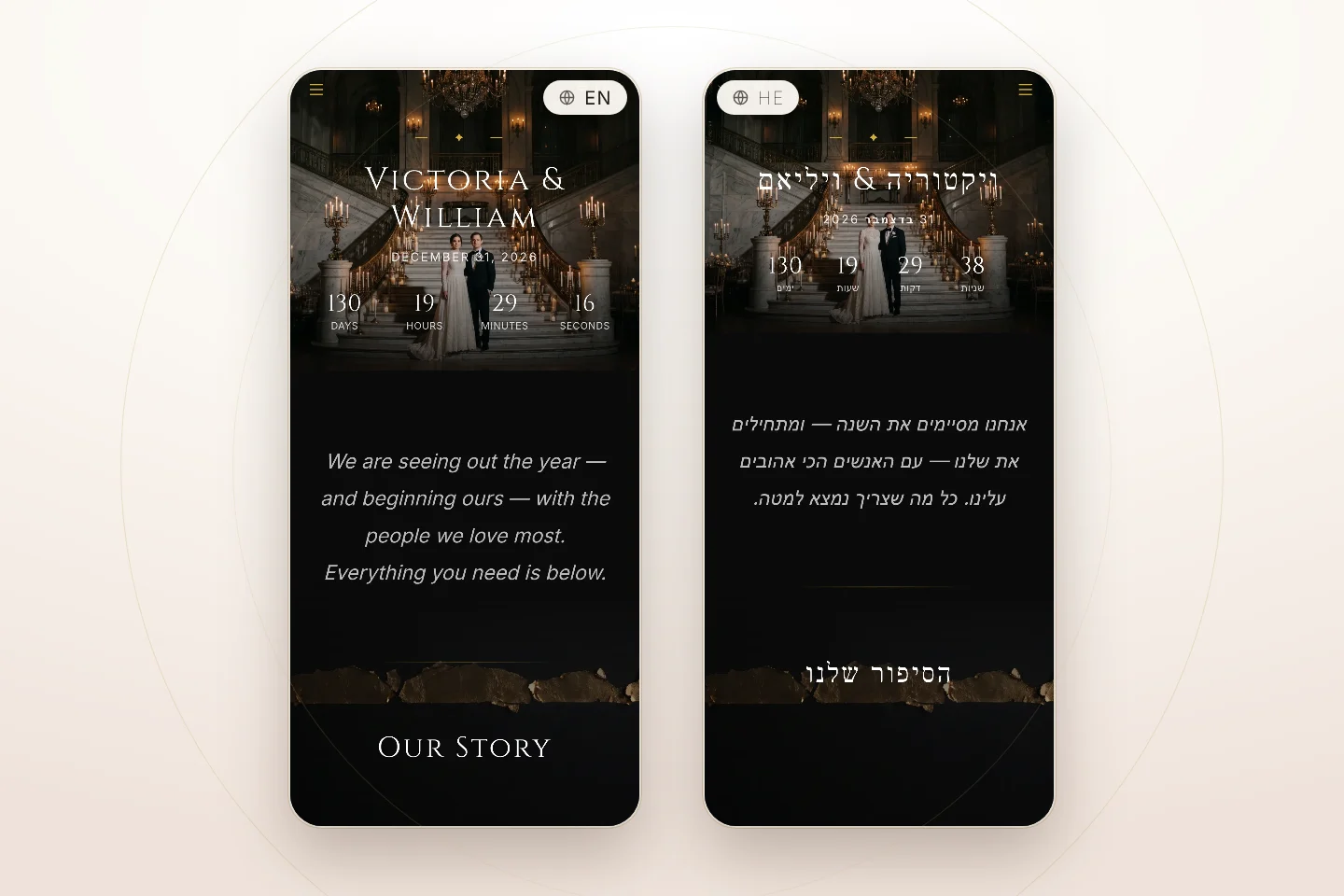
It sings in English, Spanish, Portuguese, French, German, Hebrew and Arabic. You can use the words of your own tradition too. If you say it's a bar mitzvah, the lyrics can say bar mitzvah.
Getting your names pronounced right
Unusual names are where a sung song most often goes wrong, so each name has an optional How does it sound? box. Type it the way you'd say it out loud, with the stressed part in capitals ("shi-VAWN", "YEH-ho-shoo-ah"). Your lyrics keep the real spelling. The hint is used only for how the name is sung. In Hebrew and Arabic songs, the names are written in that script.
What to expect
An AI composer performs the song, and your choices guide it. Each version comes out a little different: the voice, the instruments, how closely the style is followed. That's why you get three to choose from rather than one, and why the preview is free. Nothing is guaranteed to match exactly. A duet, for example, usually comes back as a duet but not every time. Every song is original. It won't imitate a named artist or sing the lyrics of an existing song, and if a line can't be sung, you're asked to reword it.
Once it's chosen, your song plays like any background music, starting with the envelope's "Tap to open". It stays in your account, and Edit song in the music section reopens it.
RSVP form, wedding website or both?
Both can have music, and each has its own setting. That way the form you send on WhatsApp and the website you put on your save-the-date can each set their own mood. If your wedding website includes your RSVP form on its RSVP page, the form stays silent there, so a guest never hears two songs at once. The site's music plays, and the form's music plays when the form is opened on its own link.
It works the same way on ticketed event pages, so a gala, a school dance or a fundraiser can open with music too. And none of it depends on a paid plan. The free plan (3 forms a year, 25 replies each, roughly 50 guests, since a reply is one household) gets background music, the envelope and every built-in song.
Frequently asked questions
Can a digital wedding invitation play music automatically?
Not before the guest touches the page. Every major browser blocks sound until the visitor interacts, so an online invitation that says it autoplays music actually starts on the first tap. The best way to use that tap is an envelope. With music on, the QuikRSVP envelope waits with a "Tap to open" button, and that one tap opens it and starts the song together.
Is background music free?
Yes, on every plan including the free one, on RSVP forms, ticketed event pages and wedding websites. That covers the 16 built-in songs and uploading your own. Only the personalized song with your names is paid, at $12 one-time per song.
Can I use a song from Spotify or YouTube?
Not as a link. The music has to be an MP3 or M4A file, up to 10 MB, that you own or have permission to use. Or pick one of the 16 built-in songs, which are free to use.
How long does the personalized song take?
The free 30-second preview usually takes about a minute. After you pay, the three full versions are made in the background. You can close the popup and carry on editing, and a notice tells you when they're ready.
Can I write the lyrics myself?
Yes. Choose "I will write my own" at the lyrics step and type or paste your words. Section tags like [Verse] and [Chorus] are optional. Lyrics from an existing song can't be sung.
Will the music annoy my guests?
It starts only on their tap, it can be paused from the corner button at any time, and a guest who pauses it won't have it start again on their next visit. Choosing a gentle instrumental makes it more pleasant still.
Make Your Invitation Sound Like Your Day
Build your RSVP form, turn on the envelope, pick a song or create one with your names. Guests hear it the moment they open it.