Quince Noche
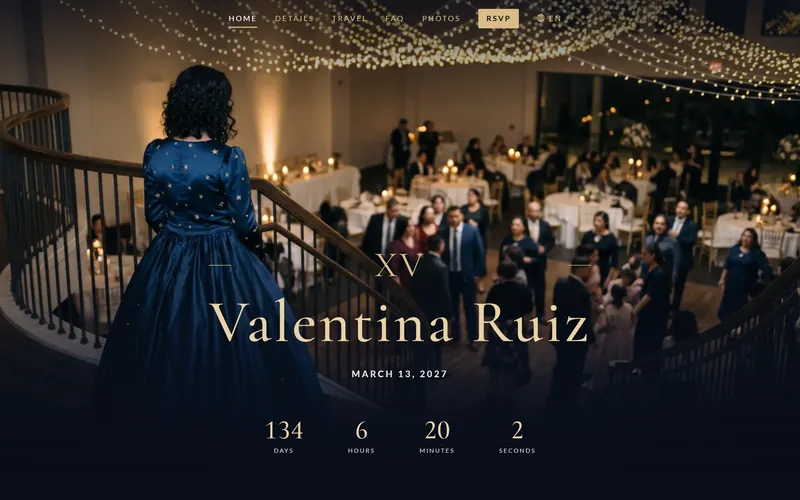
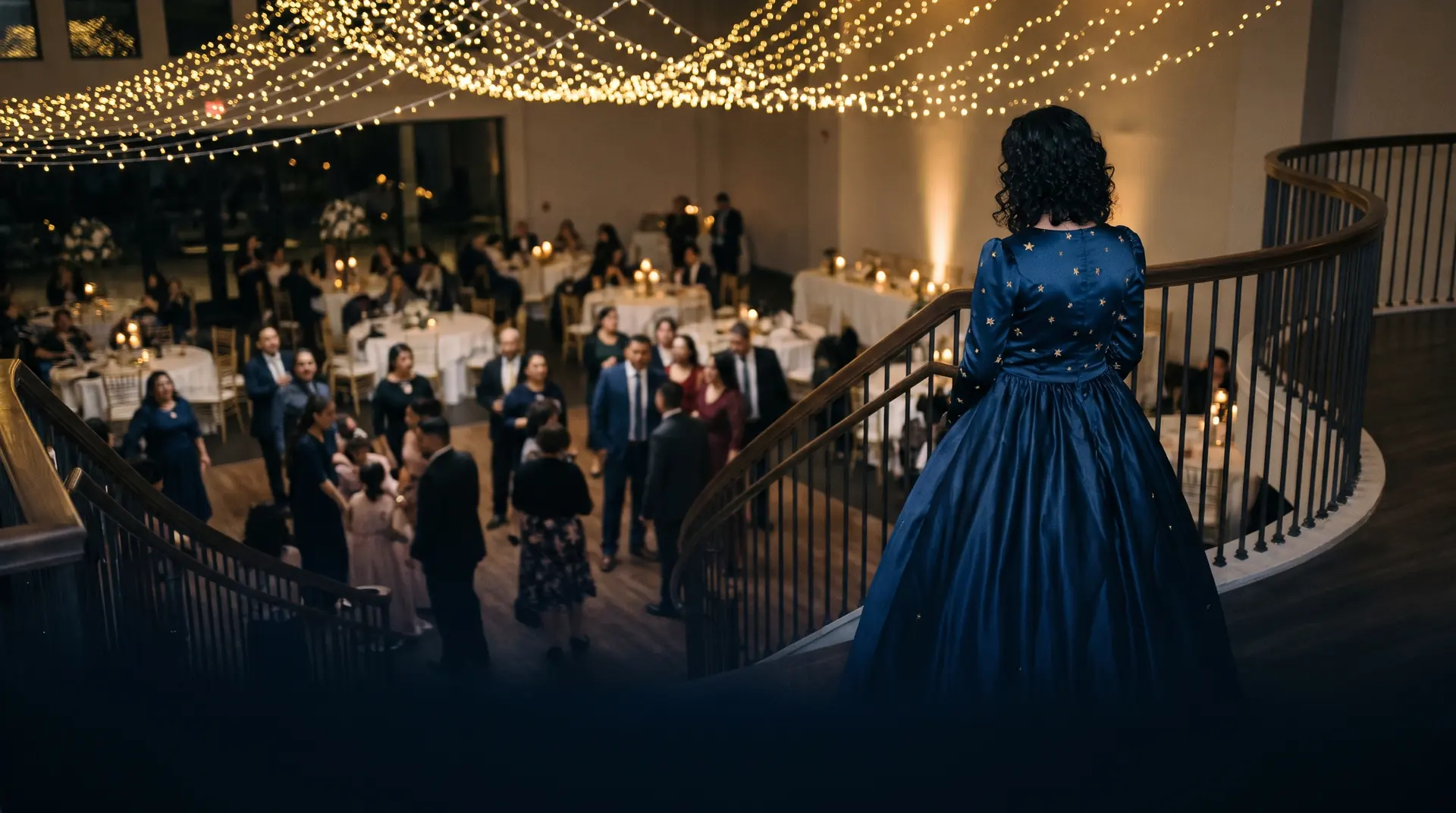
Midnight blue and champagne gold, with stars stitched in gold, for an evening XV.
Quinceañeras · XV años
Each guest taps English or Español. You see one list: who comes to the Mass, who comes to the party, and how many from each family.
Start with the free RSVP. Add her website later if you want one.
Write it once, in the language you think in. QuikRSVP translates your own words with AI, you read every line, and each guest taps English or Español. Both languages are free.
Con la bendición de Dios y de mis padres
Los XV años de Valentina
¿Nos acompañas?
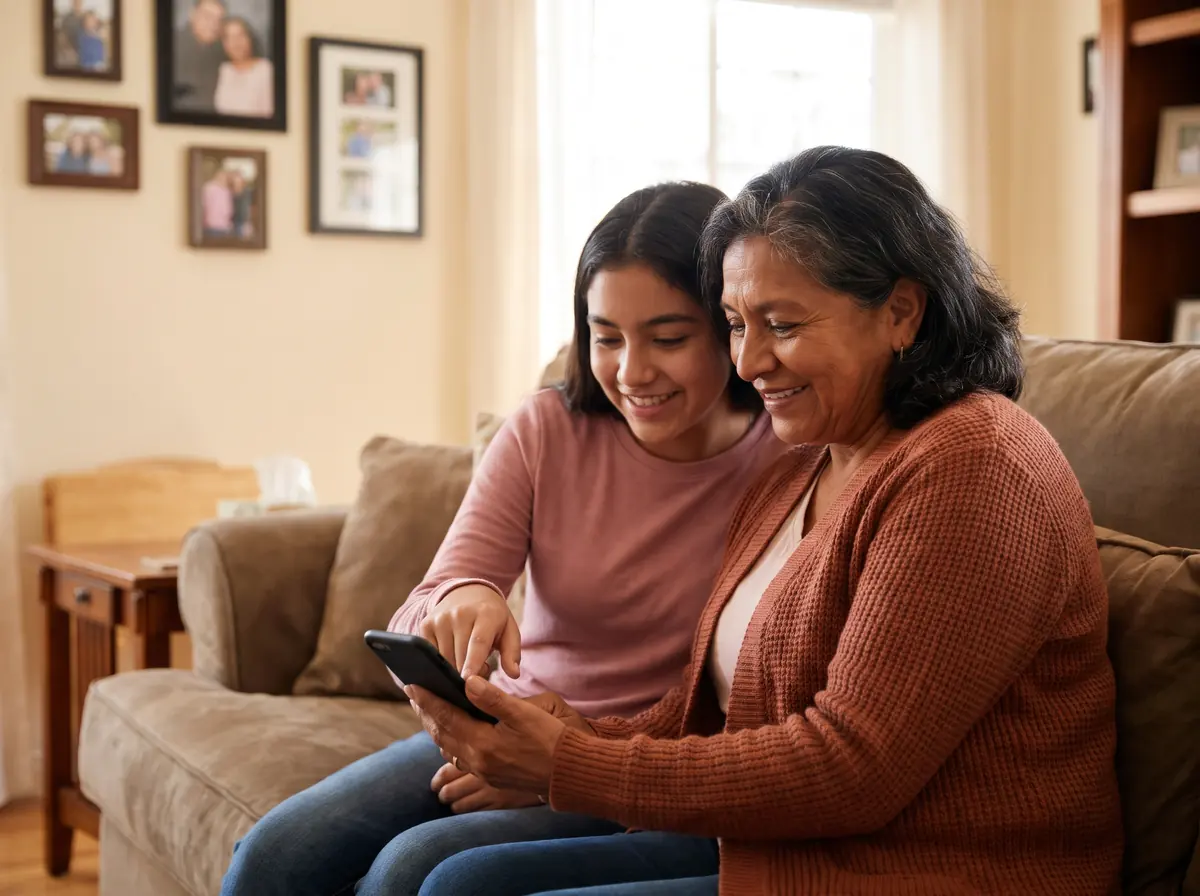
Add each part of the day with its own time and place. Guests check the ones they will come to.
Each family answers once: everyone’s name, how many are coming, and a meal choice if you ask.
Open with the line most XV invitations begin with, like “Con la bendición de Dios y de mis padres”.
Add a rehearsal that only her damas and chambelanes see on their own invitation links.
Send the link to the family group, or print its QR code on the invitations. Guests scan and answer.
Seat every family, with a table for her court of honor, and check guests in with a QR code as they arrive.
Check-in with Event Pro · Seating with SignatureTwo designs made for quinceañeras, with her RSVP already inside. Both are real sample sites: open one and look around.
Midnight blue and champagne gold, with stars stitched in gold, for an evening XV.
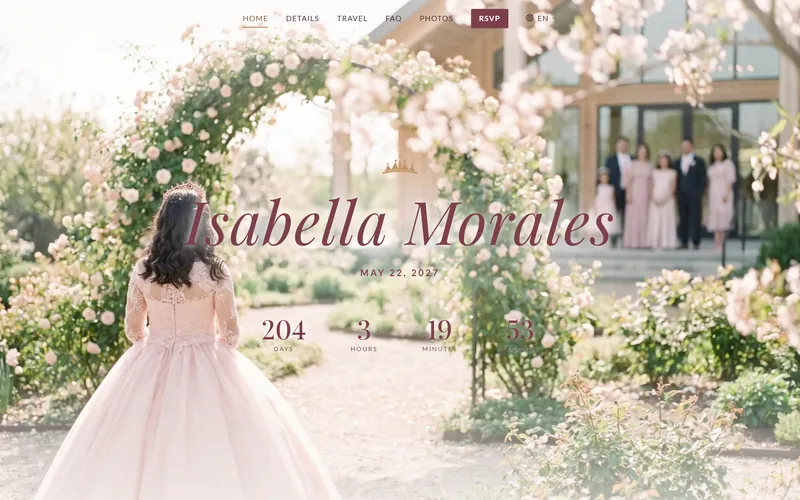
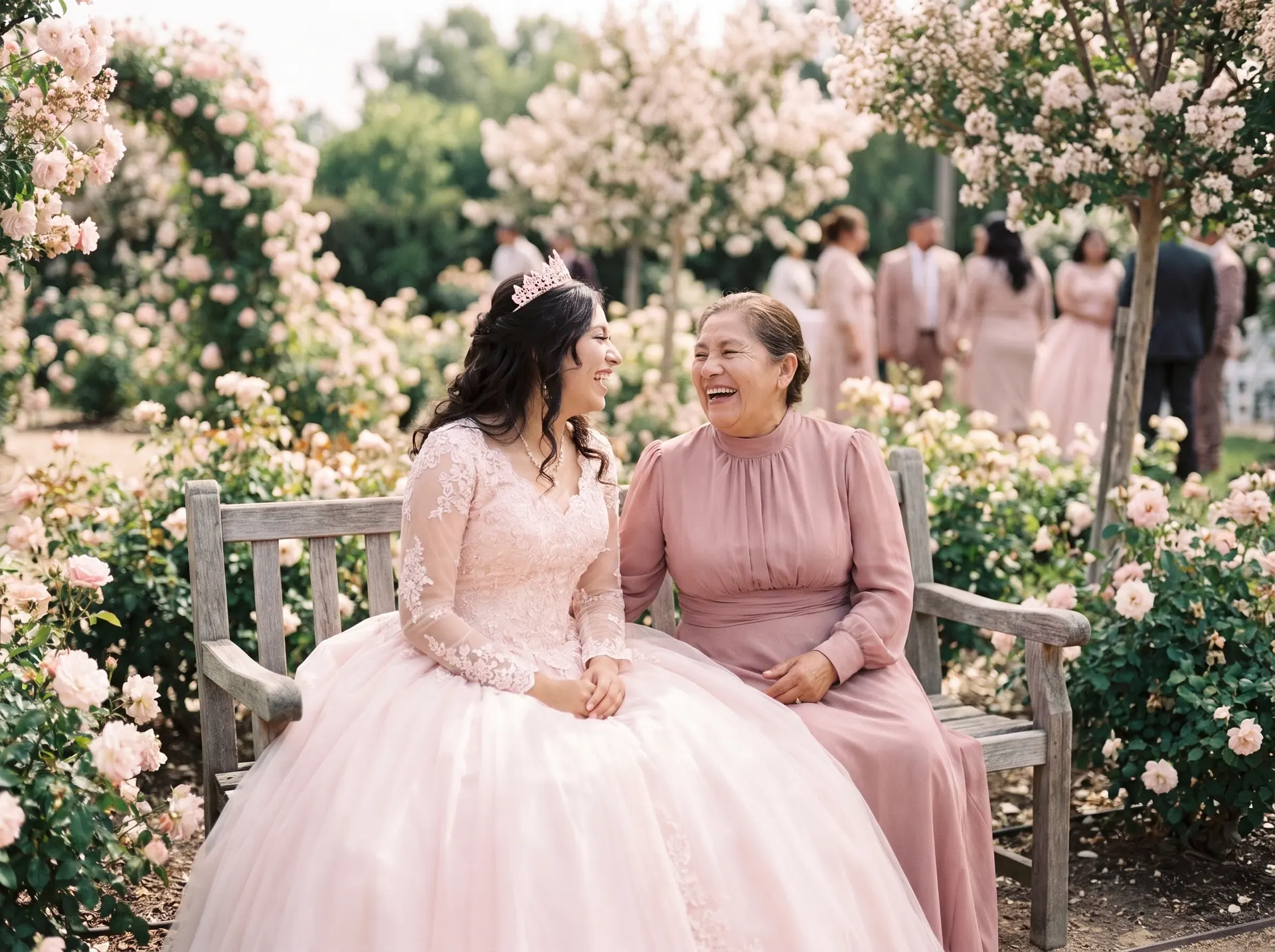
Blush, rose gold and a tiara over her name, for a daytime XV.
Her website is $30, paid once, and stays online for two years. It is included with Signature. Build it, then send a private preview link to your first 25 guests before you pay.
Valentina’s XV
Replies so far · Event Pro
It opens with a quinceañera photo already on it. Type her name, the date, the Mass and the party.
One click translates it. You check every line before anyone sees it.
WhatsApp, text, email or a QR on the paper invitation. Every answer comes back to one list, like this one.
Pick Noche or Rosa, add her photos. The RSVP is already inside.
Each family answers once, so 200 guests is usually about 100 replies.
To start
$0
No card, no time limit
Most quinces fit here
$35
Once, for this event
Website and seating included
$85
Once, for this event
Prices in US dollars; checkout shows your currency. No subscription, and a 7-day money-back guarantee on every plan.
Questions? support@quikrsvp.com · Compare every feature
About 200 guests is usually around 100 families, and each family answers once. Event Pro covers up to 150 family replies for $35, paid once. Signature covers up to 1,000, adds seating, and includes her website, for $85 once. You can build, translate and test everything free first. Prices are in US dollars; checkout shows your currency.
Everything you need to build her RSVP, translate it and send it. It shows you the first 25 family replies. If more families answer before you upgrade, nothing is lost: their replies are kept, and upgrading shows them all.
Yes. Write it in English or Spanish and translate it into the other in one click. Each guest taps English or Español, and every answer lands in the same list. English and Spanish are both free; a third language is part of an upgrade.
Yes. Print her RSVP's QR code on the invitation. Guests scan it with their phone camera and answer in their own language.
Only people you send the link to. You can also add a password, so only invited guests can open it.
You can start building without one. To send it, sign in with Google or your email; it is free and needs no card. Guests never need an account or an app: the link opens in their phone's browser, straight from WhatsApp.
Yes. Set a limit for the whole RSVP, or a different one for each family on their own invitation link. You can also ask adults and children separately, or allow no children.
It goes offline, and you are never charged automatically. If you want to keep it, you can renew it for $5 a year.